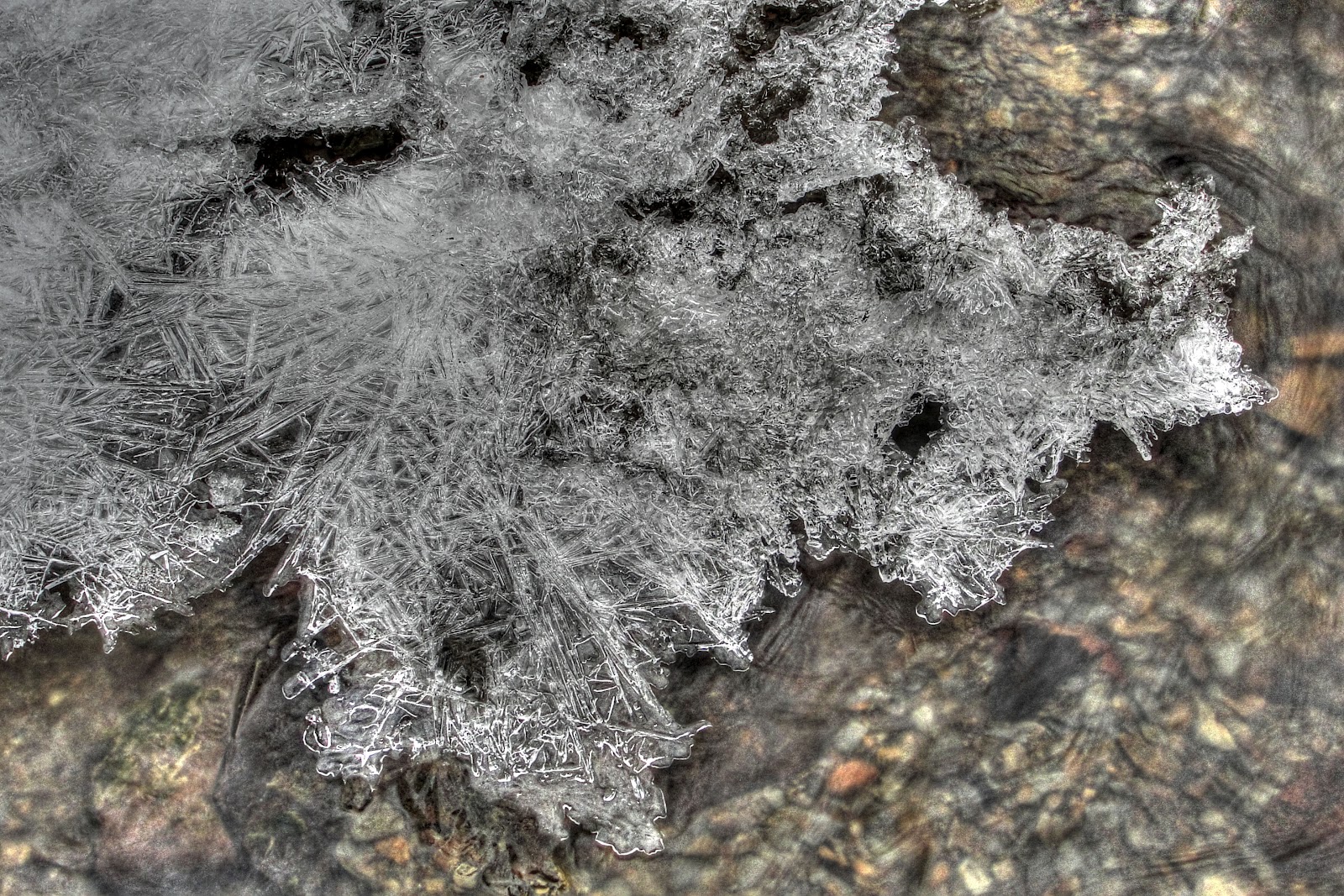
A couple of days ago I posted a picture of some ice in the creek. At the time I really liked the picture and used it as my 365 project picture for the day. This picture was another of my attempts at HDR processing using the Photomatix software. I basically let the software do its thing and added a few small tweaks in Elements when it was done.
After staring at this picture for a day or two I feel that I went too far with the processing and ruined the actual look of the ice. I checked out a few online guides/tutorials to basic HDR processing and didn’t see where I might have gone wrong on that end other than a tendency for the HDR software to produce grey looking whites. Which is basically what I felt happened to this picture. I found where most HDR processing brings the finished picture into Photoshop or Elements to ‘correct’ the problem areas. Some of those problems being the grey whites, the addition of noise, etc.
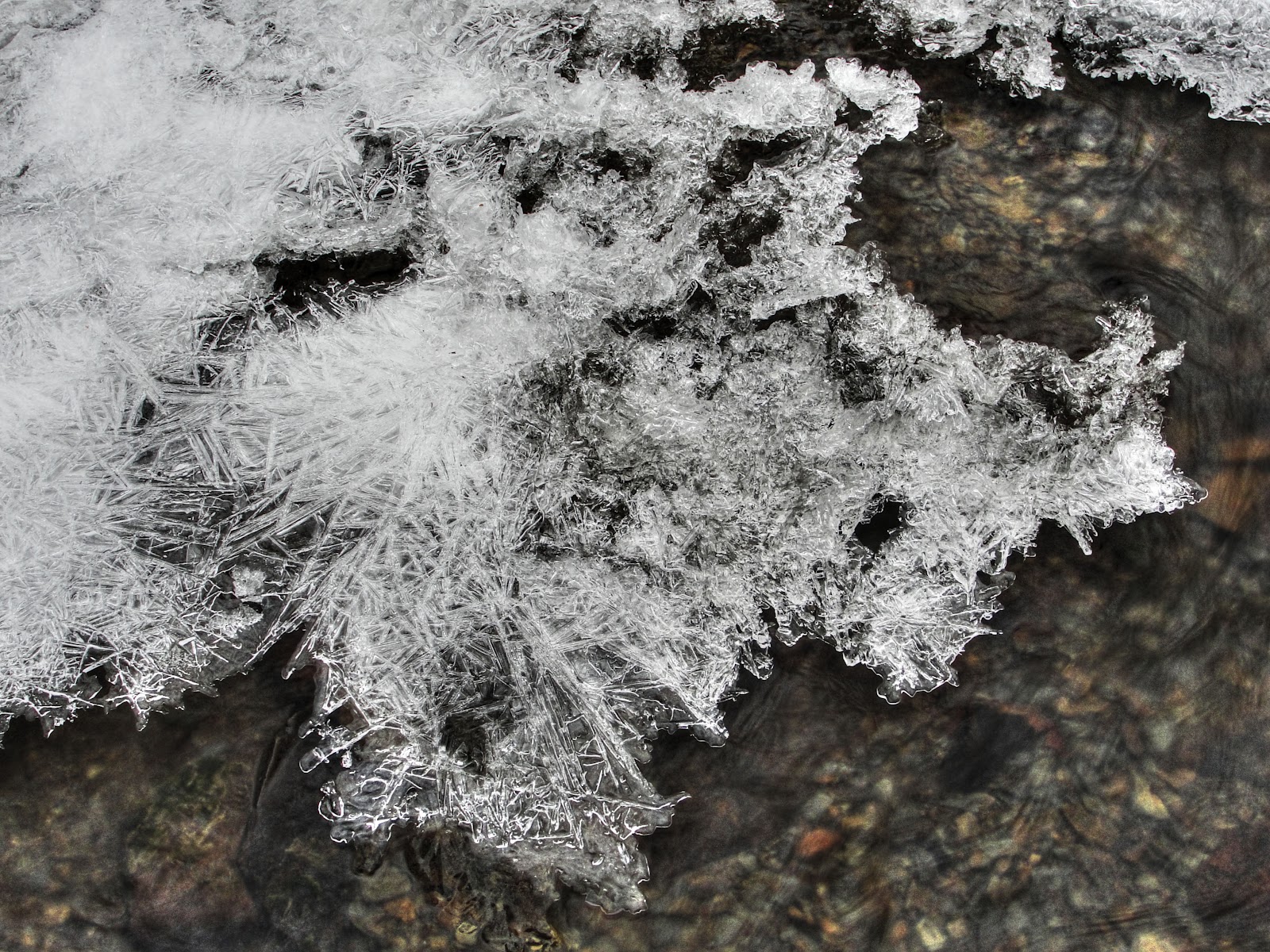
I couldn’t help trying to improve my original picture so I opened Elements, brought the first picture back in as well as the 0 EV exposure picture. I added the 0 EV picture as another layer in the original HDR picture. I set the blending to Hard Light and the Opacity to 75%. I think this dramatically changed the picture and for me brought it back to what I saw in the creek the day I took the picture. This picture is the non-cropped version.
I would appreciate any constructive criticism on how to better process the picture. I realize a lot of the choices we make as we process are to achieve a picture that matches either our memory of the scene or a vision we had when we captured the picture. Still, any tips for processing multiple exposures would be appreciated. Thanks.

 MLCreations Photography