Days 55 to 64

Time once again to play catch up!  Spent a week on vacation thoroughly enjoying the time away from work and the cold northeast.  Was very spoiled by the weather in Orlando with most days near 80 the whole time we were there.  Traveling is generally a big hassle and the return trip was no exception.  I’m just going to spend the weekend getting back into a normal routine and try not to daydream too much about my home-away-from-home, the Beach Club resort in Walt Disney World.

I was able to keep my 365 project going while on vacation, which should be no big surprise as there is a plethora of photo opportunities in Disney World. I was helped out by the fact that I’m usually an early riser even when I don’t need to be, so I was able to go out for walks in the morning as everyone else was getting ready.  Well, enough rambling, let’s get to the pictures…
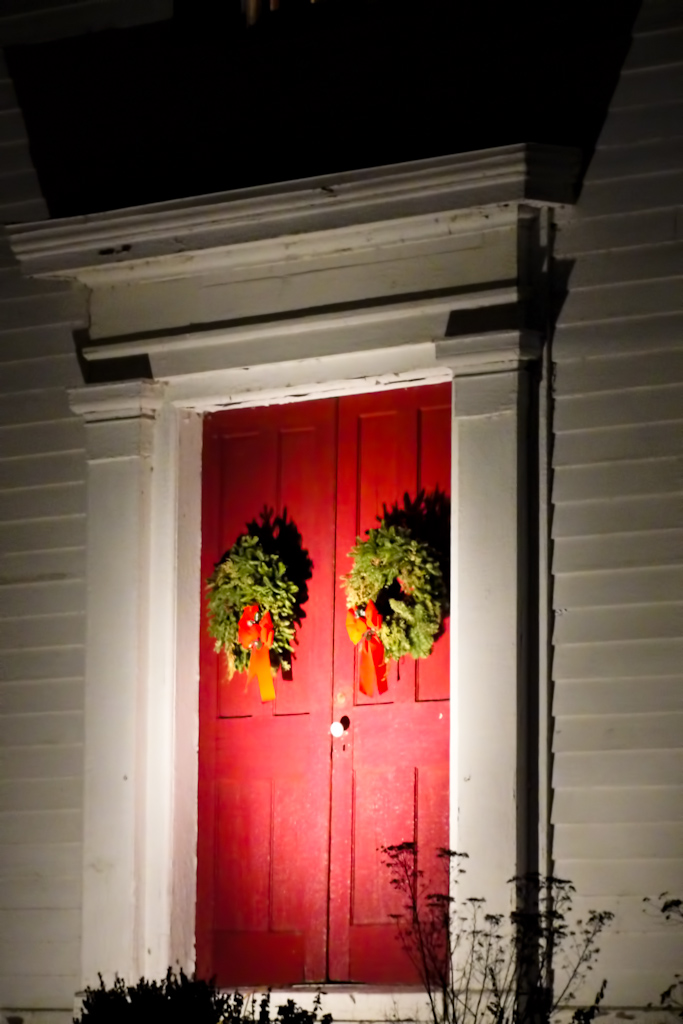
Day 55 – Holiday Door

Getting ready to leave the next morning for our vacation I was scrambling to find a subject for my project picture.  The historic church at the end of my road is always decorated for the holidays so I drove down and grabbed a few pictures.  I decided to focus on the red door with the decorations since the there was too much noise in the rest of the image.

Day 56 – Hear no evil, see no evil, speak no evil

We spent the night at my mother-in-law’s house since we would be flying out early the Saturday morning.  With everything else going on I almost forgot to get my picture so I roamed around her house pointing the camera at anything interesting.  I typically see this saying portrayed by monkeys so the ducks caught my eye.  I quick pose on the table and I stayed on track.
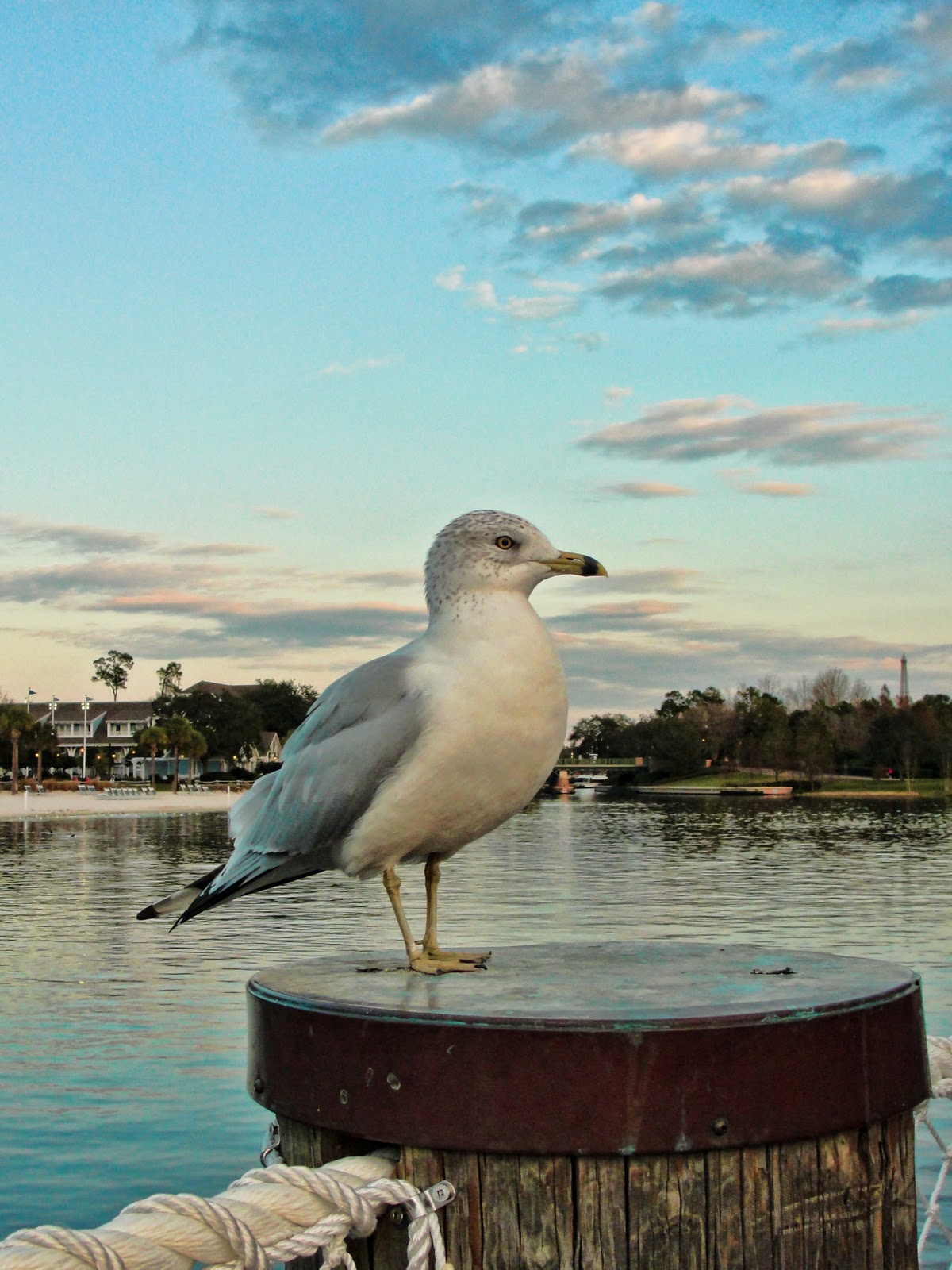
Day 57 – Standing Watch

Once we arrived at the Beach Club resort we dropped off our stuff in the room and headed over to Hollywood Studios for the last night of the Osborne Family Lights and Fantasmic before it closes for a refurbishment.  Walking out to the Yacht Club’s lighthouse to catch the ferry I spied this perched on one of the posts.  He was not intimidated by people at all.  I was about 3 feet away when I took this picture.
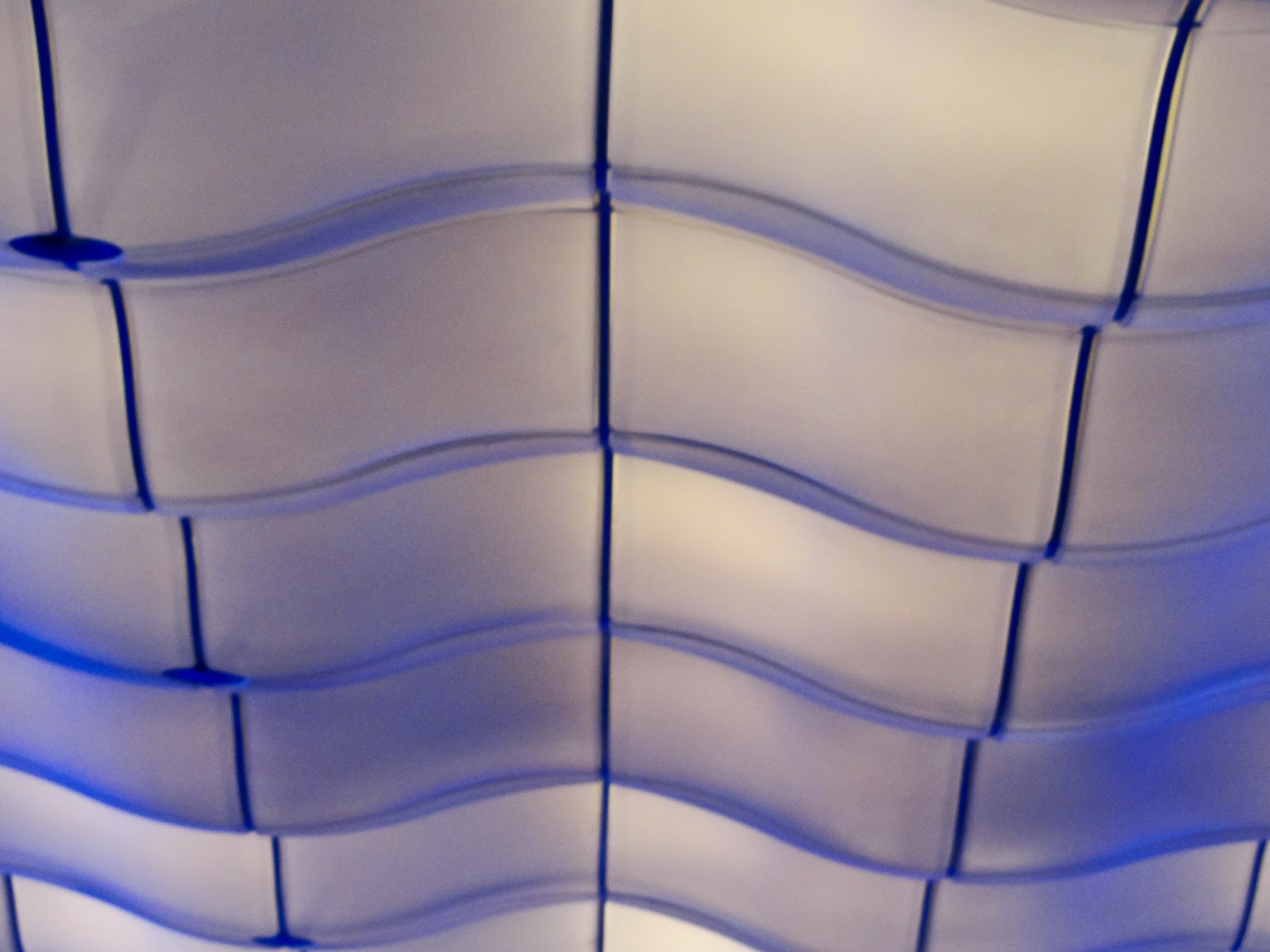
Day 58 – Blue Waves

Soarin’!  I love this ride and our first full day in a park was spent in Epcot.  Grabbed a fast pass and headed out for other adventures.  When we returned there was a small delay in the fast pass line and I just couldn’t stand there under these lights without taking a quick picture.
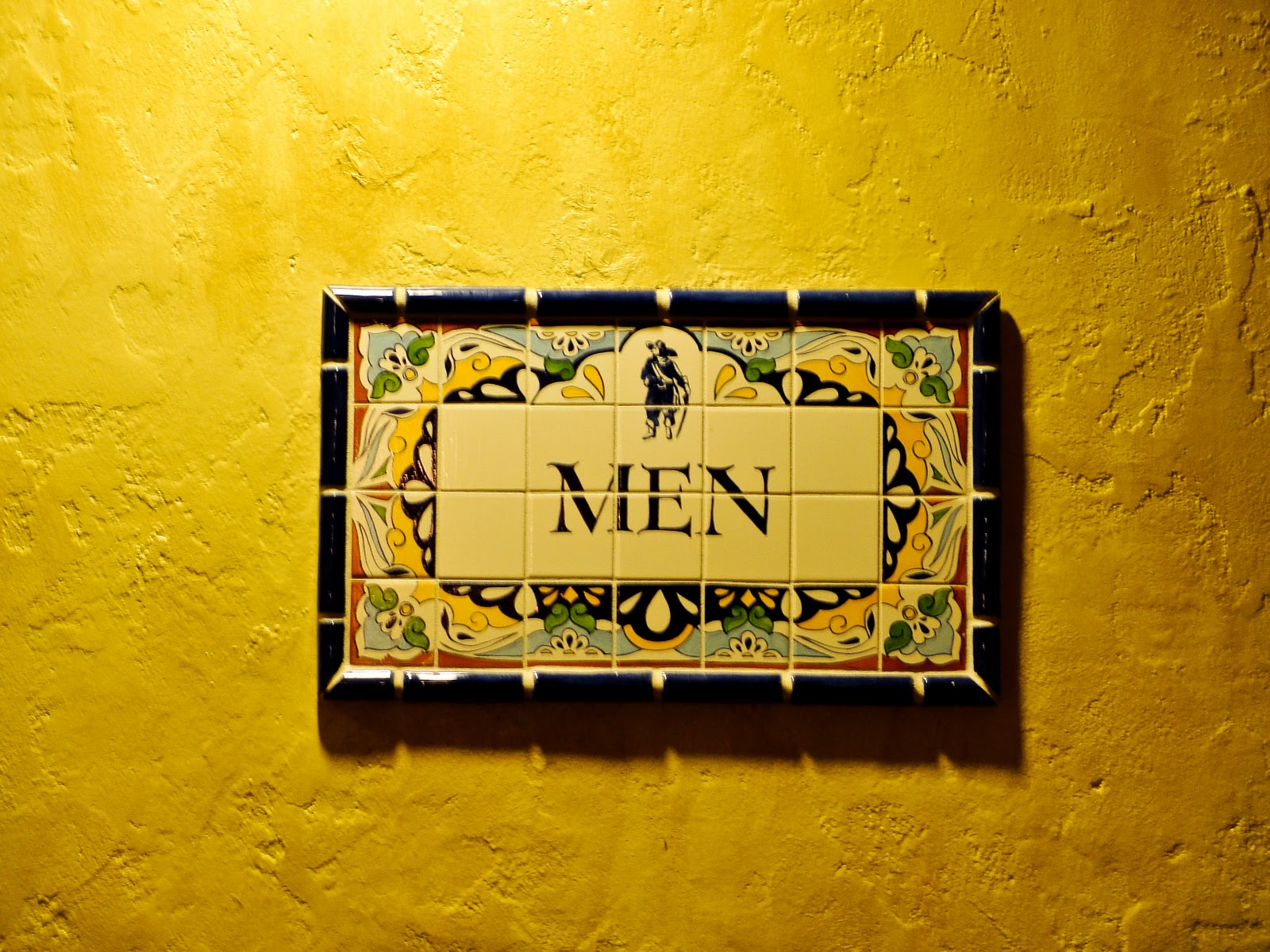
Day 59 – Ornate Sign

Sat down near the restrooms next to Pirates of the Caribbean and the first thing I notice is the wall.  The color and texture had me at ‘Hello’.  Then I noticed how ornate the sign was and the wonderful detail in the tiles.  That was all she wrote folks, photo taken!
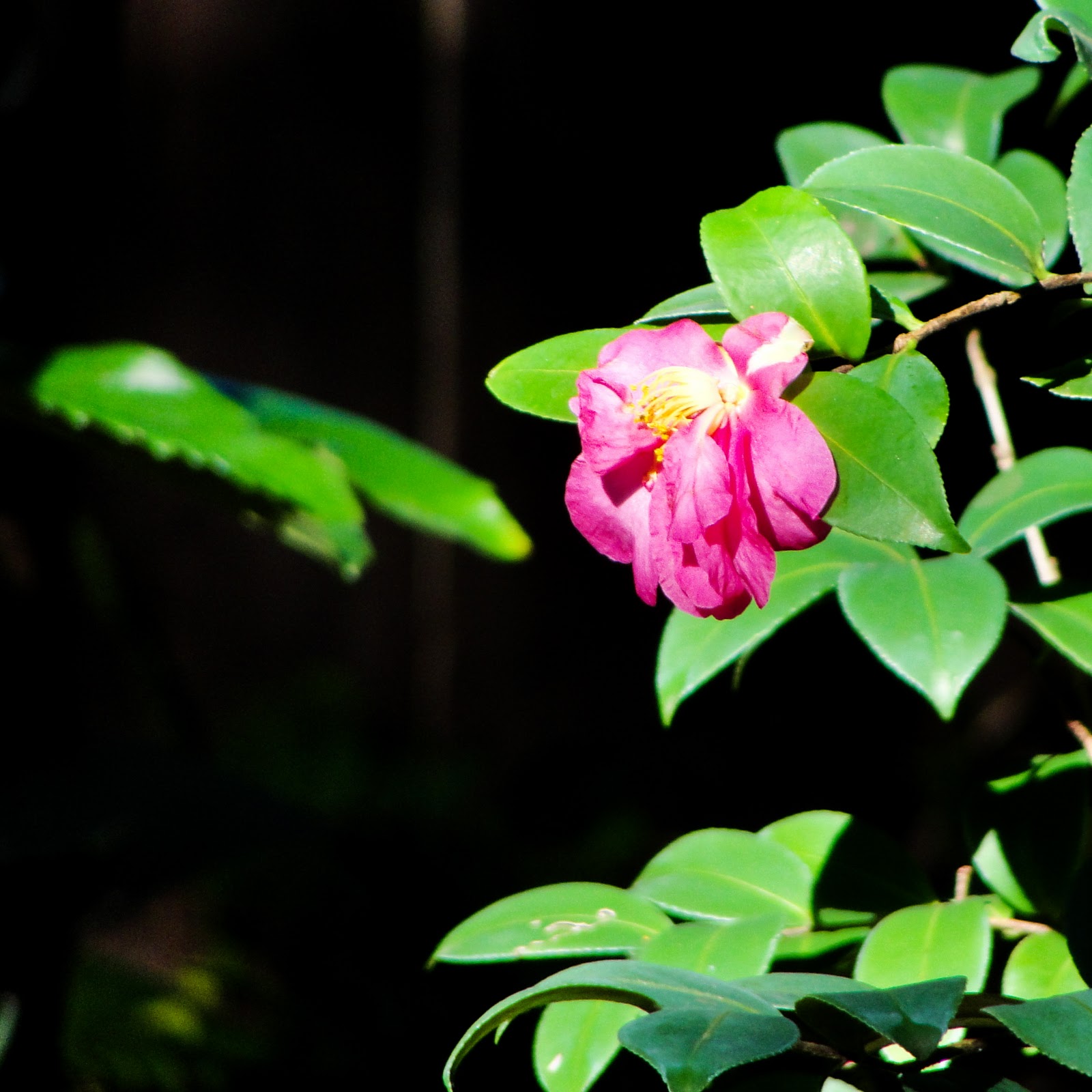
Day 60 – Fading Beauty

We were waiting in line to see Mickey over in Camp Minnie-Mickey at the Animal Kingdom which allowed me to play with the camera.  Actually I was just getting ready to take pictures, really!  I really liked how this one turned out with the dark background.  I think it enhances the colors of the foreground subject.
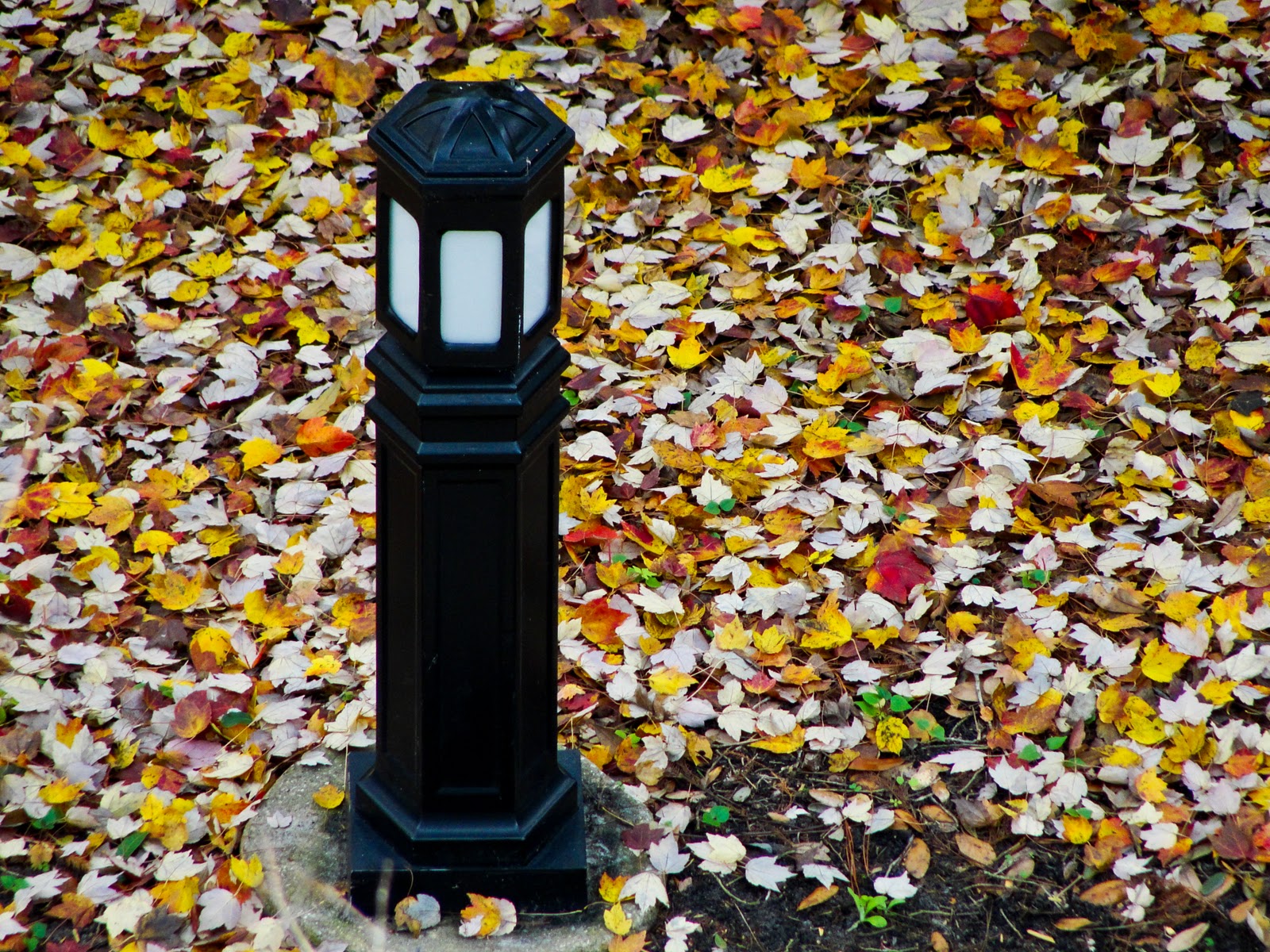
Day 61 – Light and Leaves

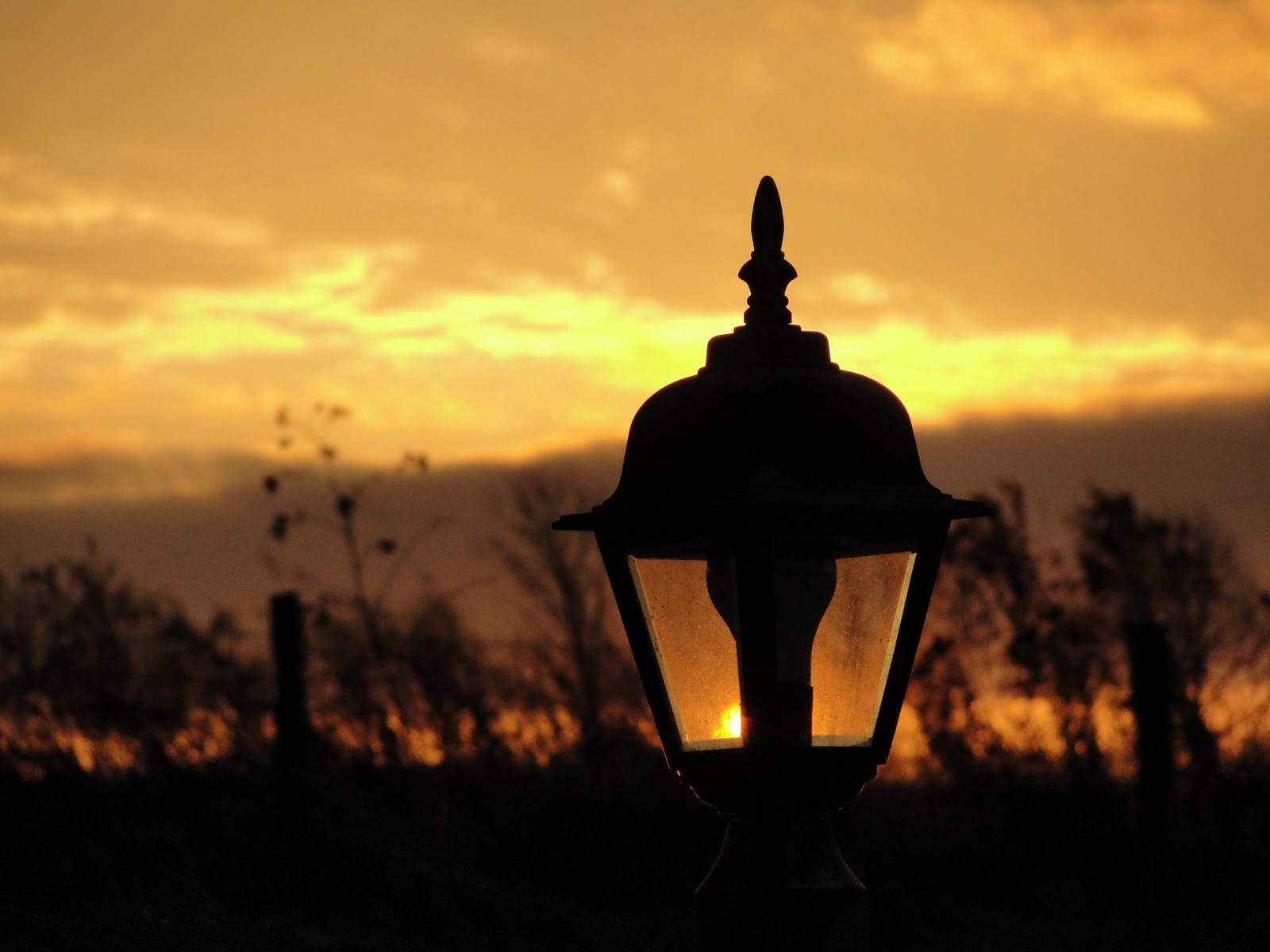
This lamp post was visible from the balcony off the living room of our villa.  I really liked the black post against the colors of the fallen leaves.  My plan was to get a picture at night with the light on but my attempts all failed.  I blame the camera…  lol.
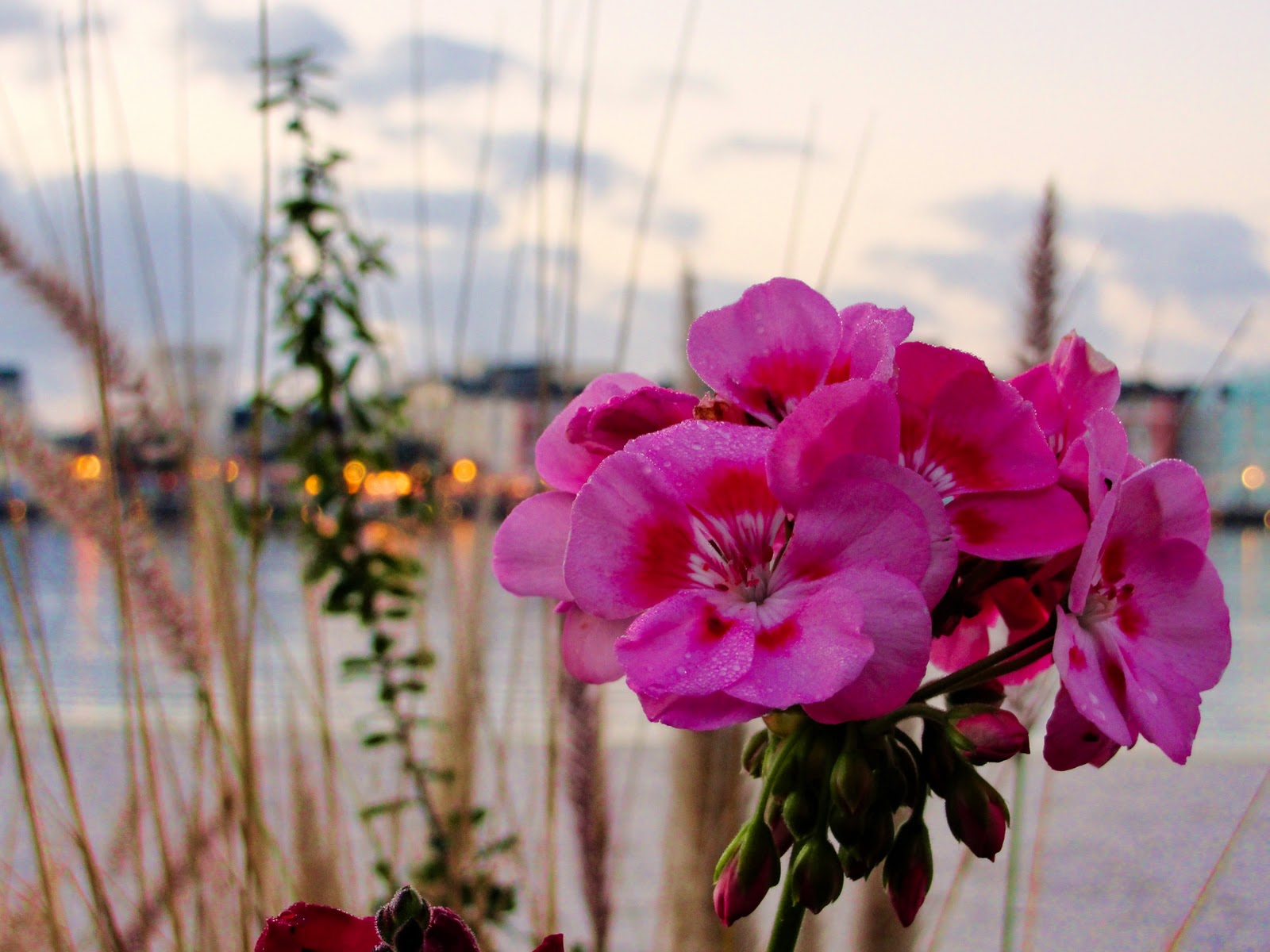
Day 62 – Flower Bokeh

On one of my morning walks I stopped taking pictures across the lake and focused on some of the flowers I could find along the walkway.  This one was just too vibrant to pass up although I still couldn’t resist a little Boardwalk bokeh in the background.
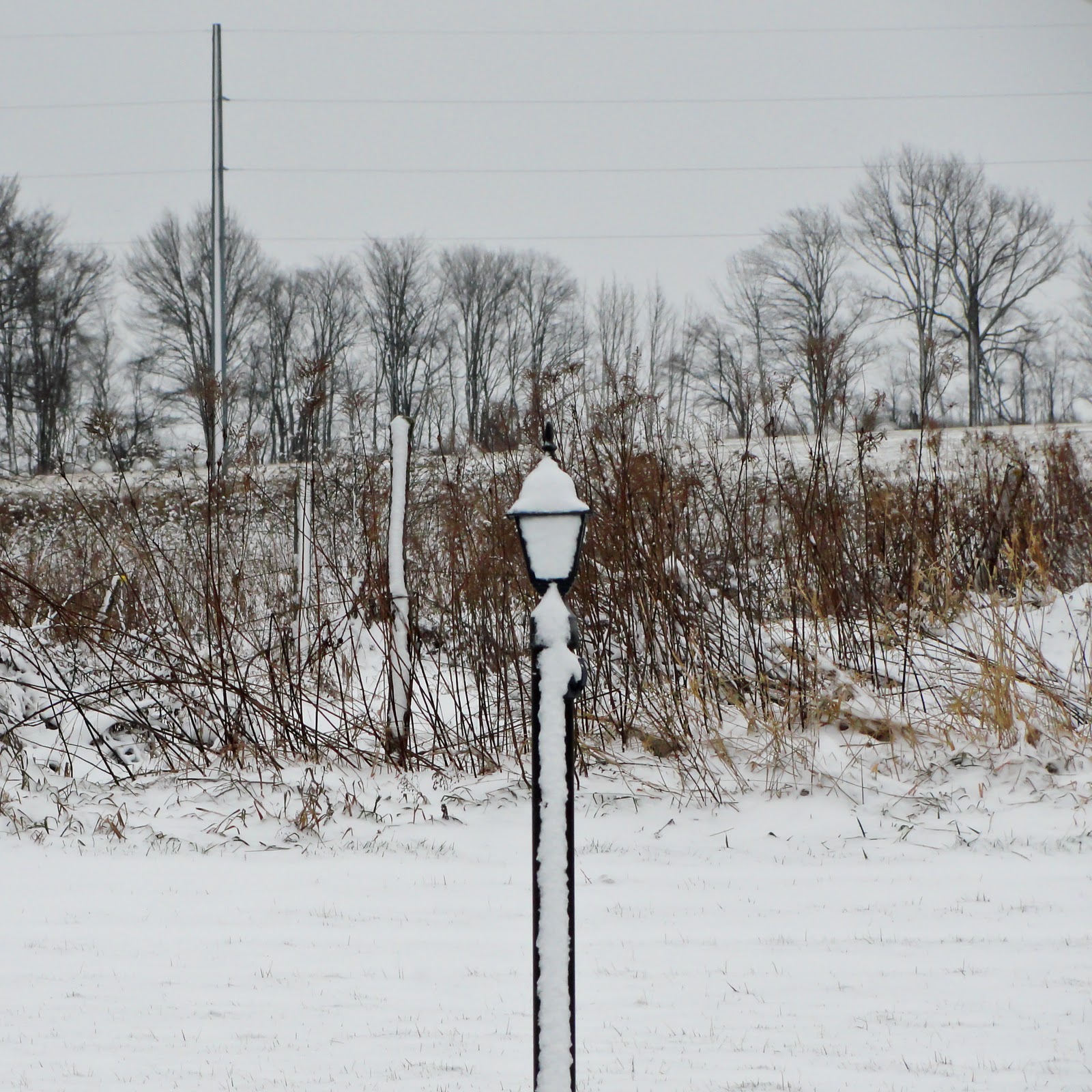
Day 63 – Snow Post

Back in the northeast on Thursday night and this is what I wake to Friday morning!  It wasn’t as bad as I want to make it out but after a week in Florida I wasn’t ready to deal with the snow.  This was just a quick picture out the back door at my mother-in-laws before packing up the car to finally get back home.
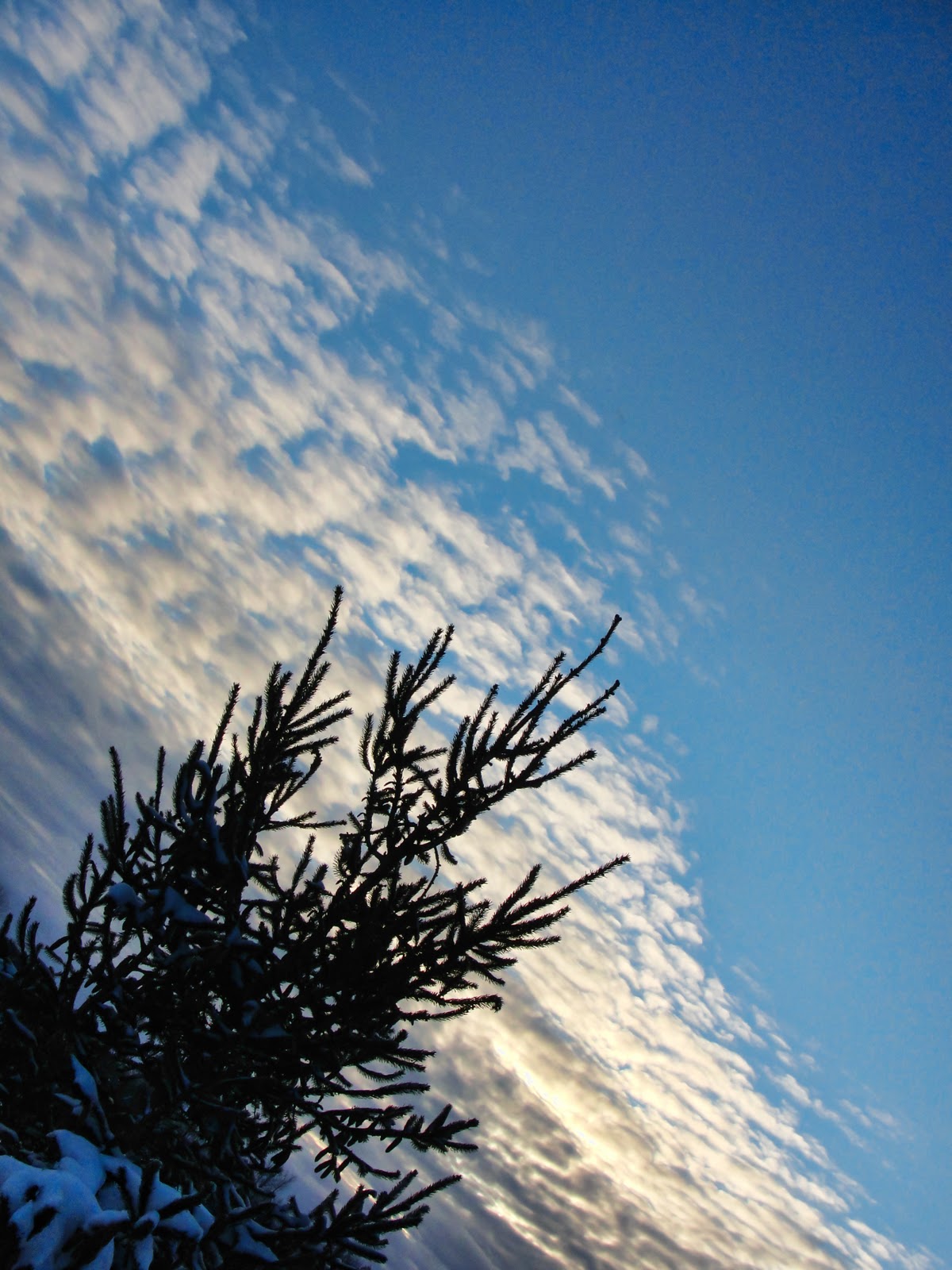
Day 64 – Slant
I was still a little off my game today.  Most of it was spent working on all the pictures I brought back with me from vacation.  I also had to spend a couple of hours replacing the back brakes on my car.  I’m too cheap to let someone else do it since I am more than capable.  It was close though considering how cold the garage was going to be.  I survived and then about an hour before sunset I tried going outside with the camera.  I think I lasted all of ten minutes before running back inside.  I did manage to get this picture before my finger tips turned numb.

I should be back on a regular schedule tomorrow so hopefully I can keep this blog up to date with my progress along my 365 Project journey.  No promises though…  😉

Day 54

I made a decision today!  Yes, your applause is appreciated… thank you.  For the last 53 days I have been taking pot shots with my camera hoping to get a picture for this project.  There were a few days where I actually thought about a picture and planned how to shoot it, but for the most part it has been pot luck.  I don’t think this is the actual intent of the project.  Have I been learning about my camera, yes.  Have I been learning about composition, yes.  Have I been learning about exposure, yes.  It just feels like I needed something else…

Now for my decision…  The Hobby Photographer’s Photo-Theme Page runs a bi-weekly theme where each photographer can submit three pictures for review.  At the end of the two week period everyone votes for their favorite picture.  The winner has bragging rights until the next theme’s winner is chosen.  I decided to submit photos for each theme which will focus my on creating at least three pictures with a goal in mind.  I think this will help me with composition and the peer review/exposure will help me improve my overall skills.  This week’s theme is Abstract

Abstract Words

I ended up taking this picture during lunch at work today.  I stacked up a few small books and placed this article I printed off the web so it was sloping up toward the light source.  I set the camera to the largest aperture, turned on macro mode and adjusted the focusing to be 7 meters.  I set the camera on the desk at the bottom of the page, focused on the top words and clicked away.  A little processing in Lightroom, a pass through the B&W Effects filter and I have my project picture.  Now all I need is two more abstracts by the 14th.

Rule of Thirds

Scott Thomas, fellow Upstate NY photographer, has a great blog, Views Infinitum where you can read about his journey into photography, view great pictures from around New York State and learn about photography concepts.  I just discovered he uses his blog to run photographic assignments to help newbies like me improve their skills.

This weeks assignment is about the rule of thirds.  You can read about it on Scott’s site by following this link: assignment 17 rule of thirds.  As an added bonus attached to this assignment Scott will be picking a random winner from the submissions to participate in an online photography e-class.  I’m feeling lucky, are you?

Rule-of-Thirds

This was a picture I took early in my 365 projects.  As Scott mentions in his blog I purposefully composed the picture following the rule-of-thirds but as you can see from the original below I needed to crop the picture to achieve the image I wanted.  There was also a little tweaking in Lightroom to improve the mood and tone of the picture.

Original straight out of camera

Day 53

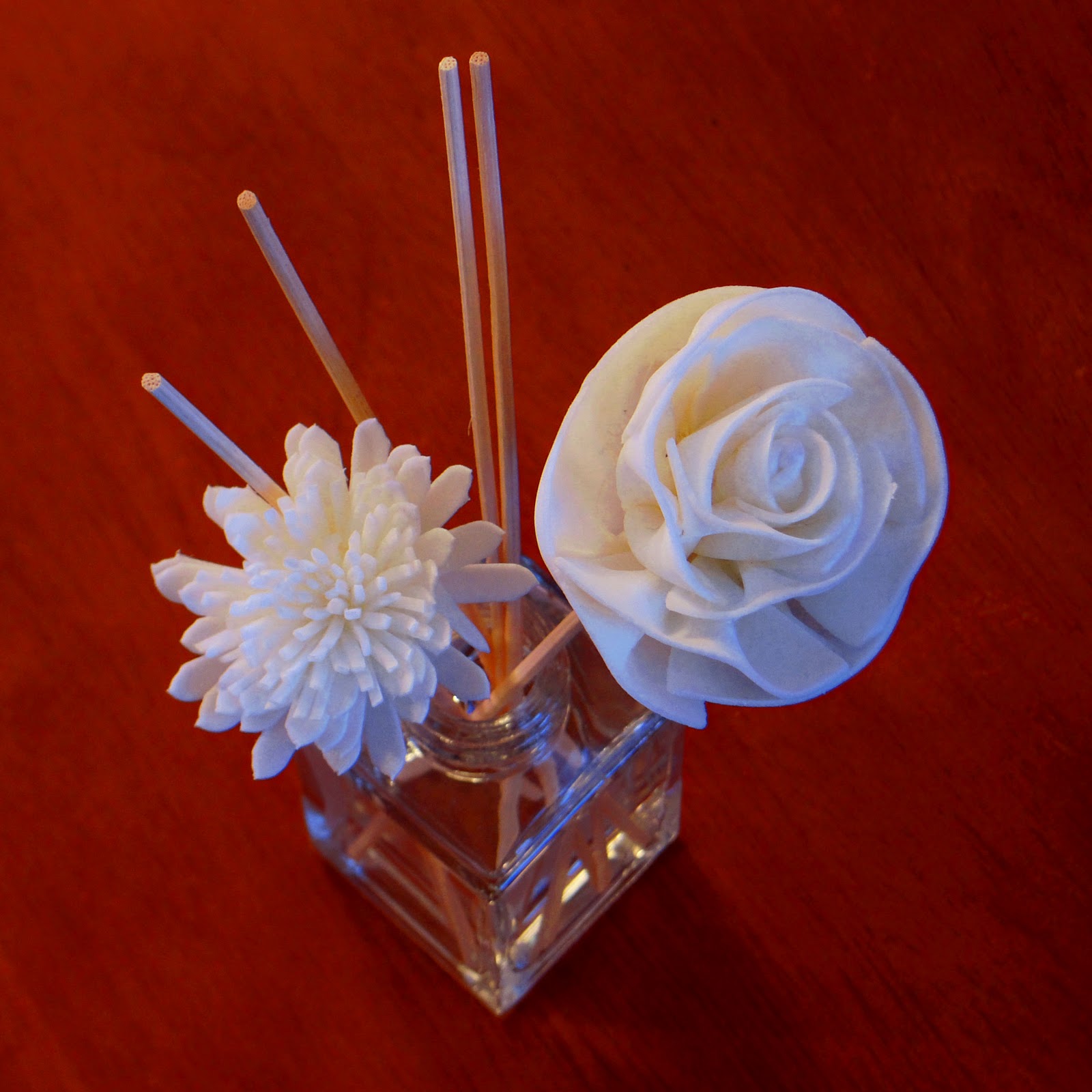
Single digit temperatures and a losing battle with the sun left me with inside objects for my project picture.  I’ve discovered when shooting inside in low light I need to always use the tripod to ensure a sharp image.  I’m just not very steady at slow shutter speeds.  I also wanted to try more bracketed shots with the thought of combining them using Photoshop Elements – Photmerge Exposure option.

I found this fragrance diffuser on one of the end tables and it looked like it would catch the light nicely while providing a nice contrast to the wood grained top.  The automatic bracketing does work on my camera if you need longer exposure but I was able to get around this issue by setting the exposures manually.  Luckily for me I didn’t move the camera in between shots.

Once I had the three exposures merges in Elements I did a small adjustment to the levels and adjusted the contrast.  The picture didn’t turn out that bad and discovered another nice background to photograph objects against.  After reviewing the in camera pictures of this object I tried another bracketed shot of a candle topper with the candle lit to provide some contrasting light.

Looking at this image today I might have done a different crop to better highlight the detail in the top but overall this image works for me too.  This opens up more possibilities for exploration and with winter starting to set in here in Upstate NY, I’m going to need a lot more indoor subjects!

Day 52

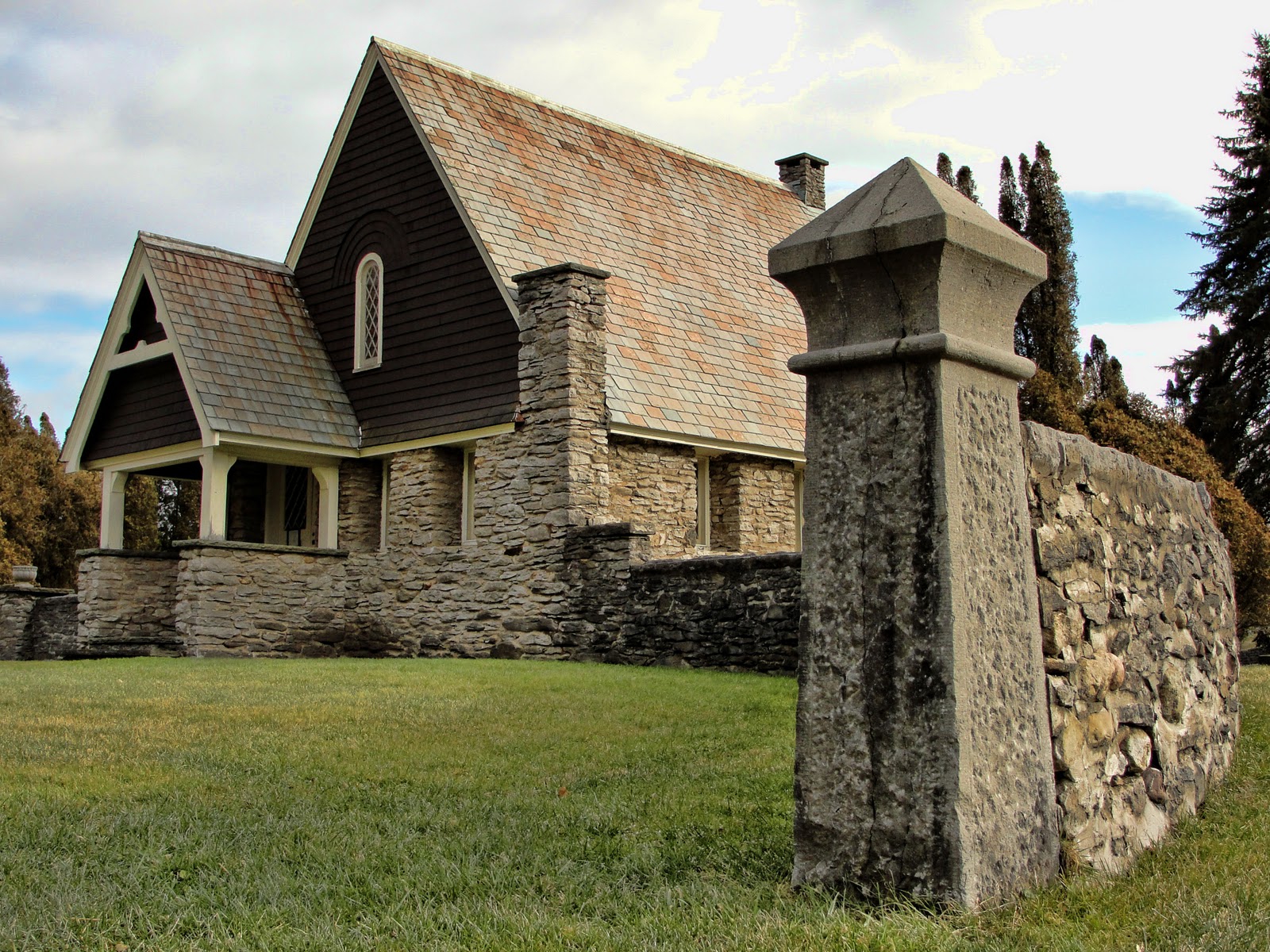
I took the tripod out of the car when we had to travel over the holidays and today I am regretting that it hasn’t made it back into the car.  I stopped at the cemetery in the village to get a picture of the stone house and wall at the front.  I have been passing this building for months since my interest in photography thinking it would be a great subject for a picture.  I was not disappointed after stopping.

I attempted to take a 3 exposure bracket without the tripod and the resulting picture had too many ghosts.  The Photoshop Elements program did a great job aligning the building but the background trees had ghosts.  I adjusted my strategy to the processing.  I started with the normal exposure image and processed it through Topaz Labs Adjust utilizing the Heavy Smooth HDR filter.  A few small tweaks to the levels and contrast once back in Elements to produce the final image.

The next time I pass through the village with some cooperating light I will be stopping to explore this building and surrounding stone wall more closely.  There are some iron fences in the stone wall that look promising.  It is snowing out now, maybe tomorrow will be my next chance.

Top 10 of 2011

A couple of weeks ago Levi Moore posted about selecting your top 10 pictures of 2011 into a separate album which he would list on his blog (Your Top 10 Photos of 2011) in a collection of photographic goodness.  Although I had only started taking photography seriously this summer I decided it would be good to see what I had created over the past six months.  The thought just crossed my mind that I should also include those pictures here as another record of my growth(?).  I’ll let the images speak for themselves…

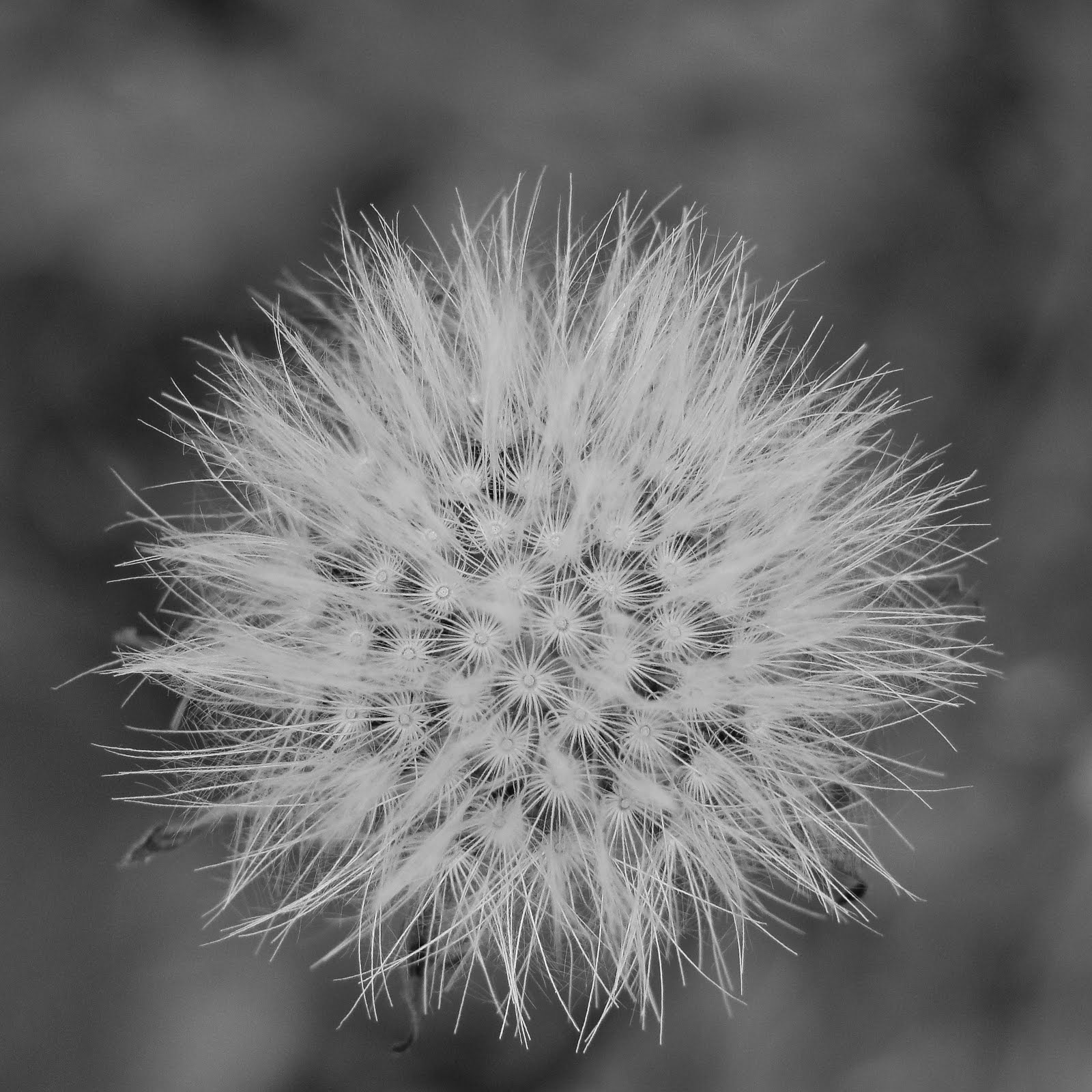
#10 – Writer’s block

#9 – Simple and delicate

#8 – Unbelievable colors

#7 – Refusing to give up

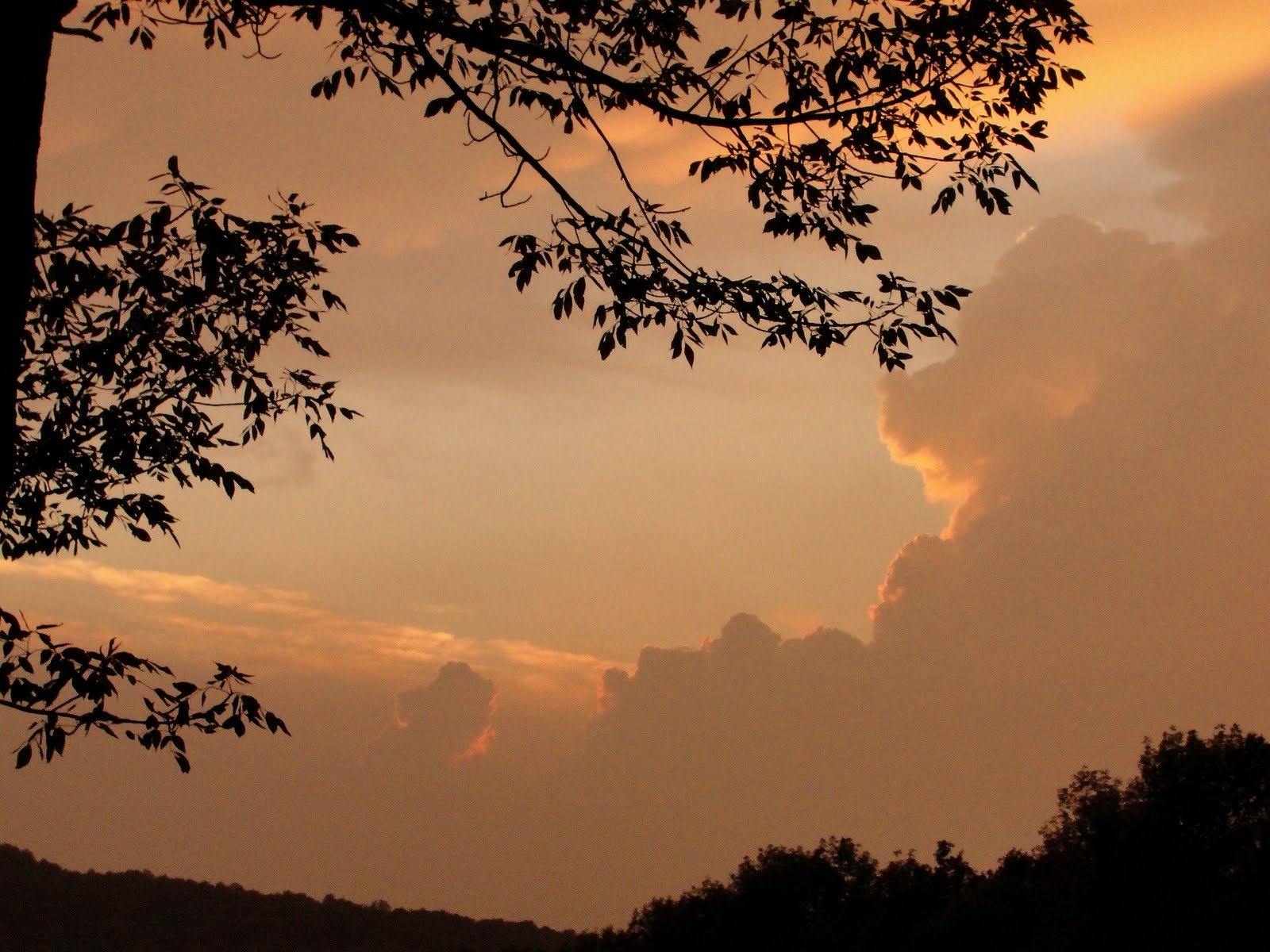
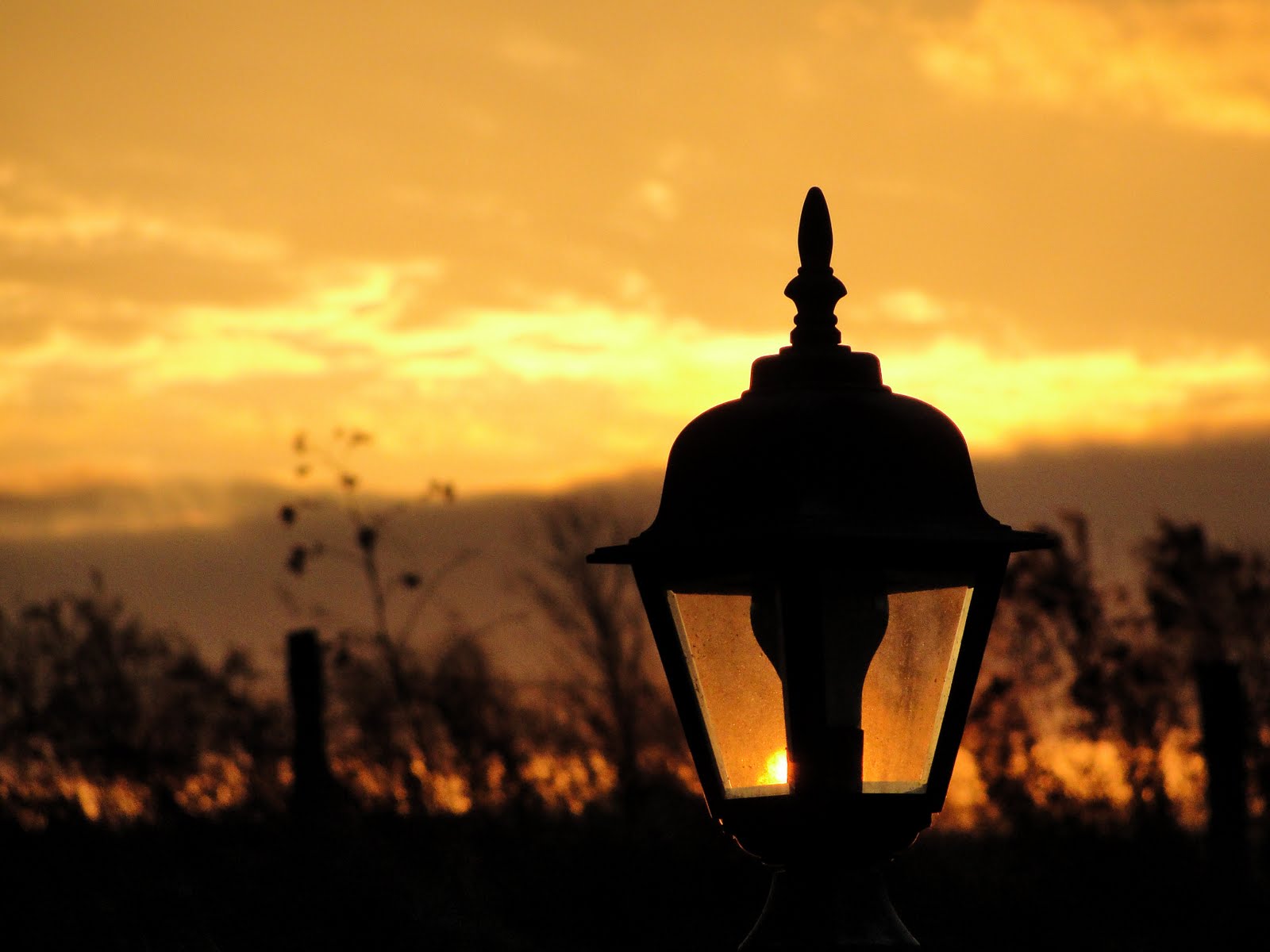
#6 – Silhouette

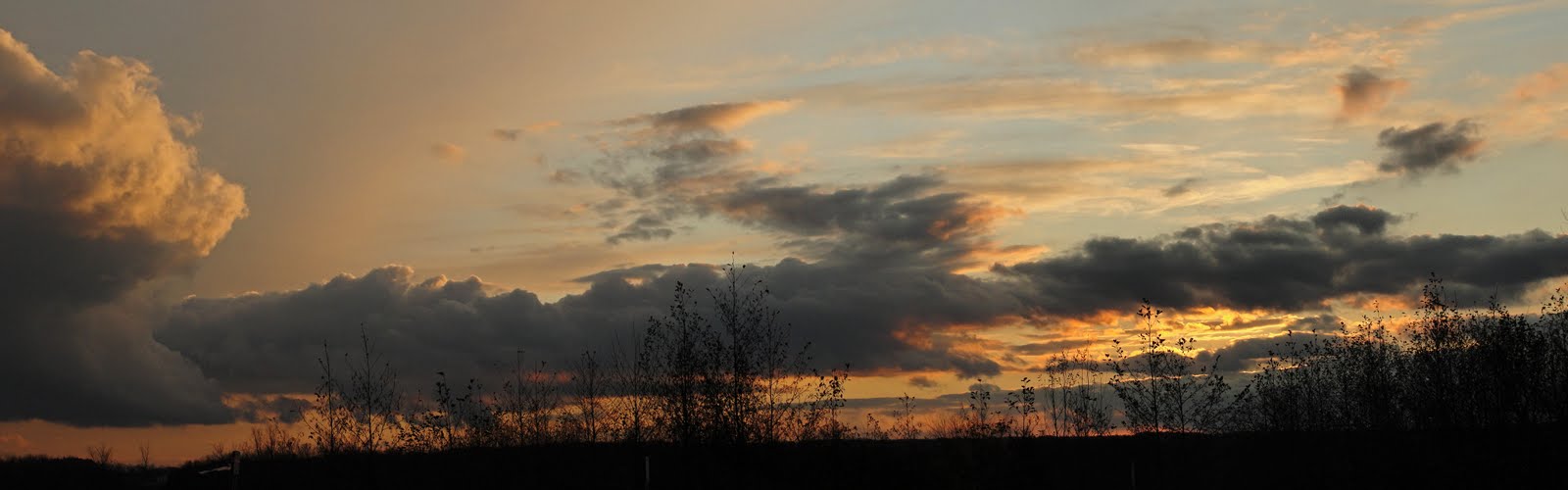
#5 – 4 image panoramic over Mohawk River

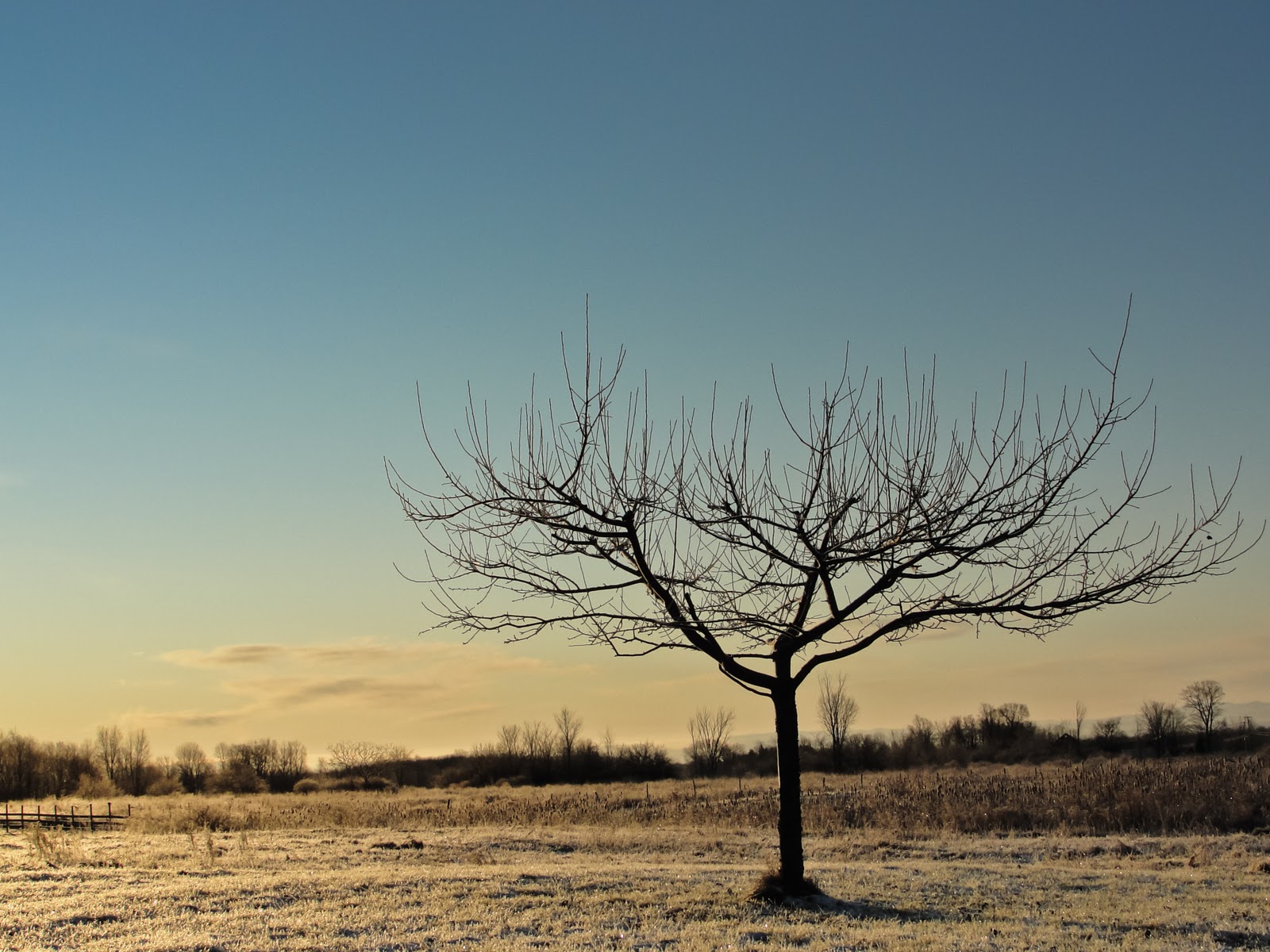
#4 – Alone

#3 – The path less traveled

#2 – Cold morning

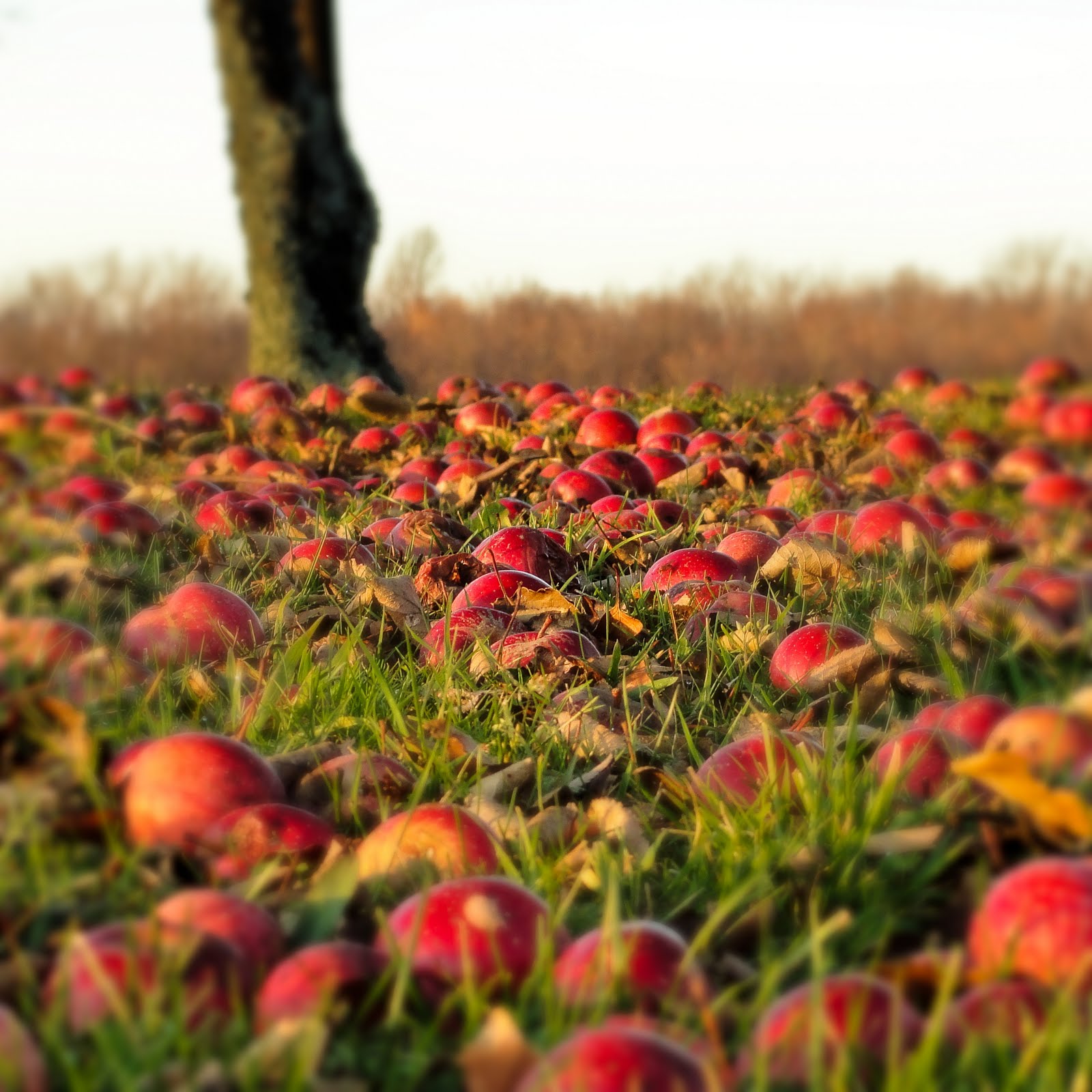
#1 – Apple field

Day 51

I made a conscious effort to get outside early and explore with the camera.  It wasn’t the best conditions but there had to be some pictures out there, right?  There was!  I knew there would be.  I just used it as an excuse before today, but not any more.  I guess it is going to be part of the new year’s resolutions…  get out with the camera even when it doesn’t look perfect.

I took the damp morning as an opportunity to get pictures involving water and/or water drops.  My first few attempts did not end well.  Due to the overcast conditions I had to slow the shutter speed down and once I looked at the pictures on the computer I realized I just couldn’t hold the camera steady enough.  Normally that would have been the end of it, but not this year.  I grabbed the tripod, headed back outside and was able to capture quite a few good pictures.

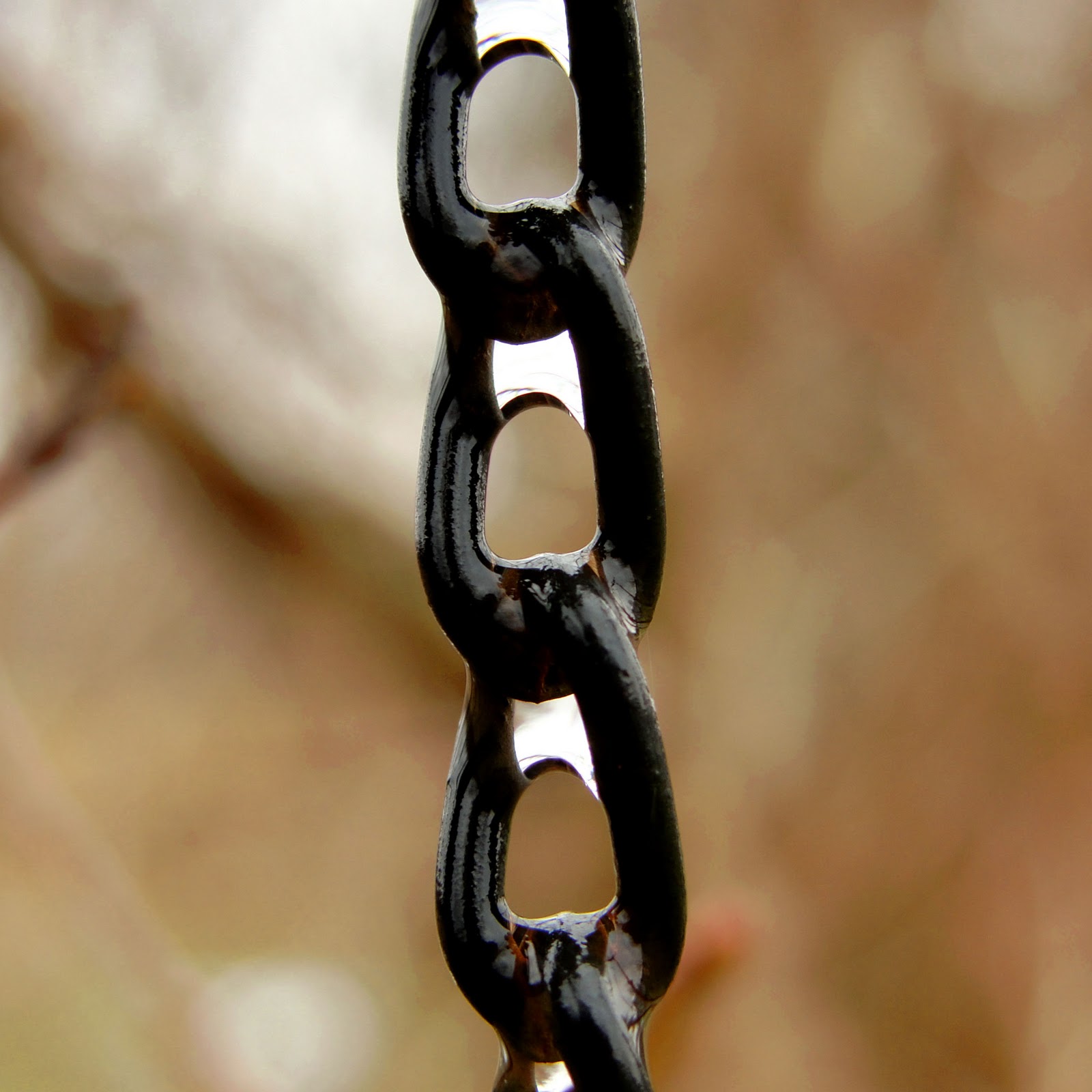
This is a portion of a chain holding the extinguishing cap on a lawn torch.  I really liked the wet black look against the brown branches of a lilac bush.  Once I started examining the chain closely I found the reflections in the water were even more intriguing.

I chose the square format to help balance the picture and to remove some excess white space.  With the lighting conditions I also shot 3 bracketed images at -1/0/+1 with the thought of combining them in Elements.  Once the image had the detail I wanted via the exposure photo merge I passed the it through Topaz Labs Adjust filter to add a slight HDR look.

I have a few more water macro shots from today that I will probably be posting tomorrow for the Macro Monday theme on G+.  I needed to keep a few in my back pocket to use at a later date.

Day 50

I want to say there was not a lot of opportunity to get outside with the camera yesterday but sitting here typing the words I know that is just an excuse.  When it is overcast, rainy and foggy or if the weather is not pristine I have a hard time motivating myself to use the camera.  I’ll have to work on that…

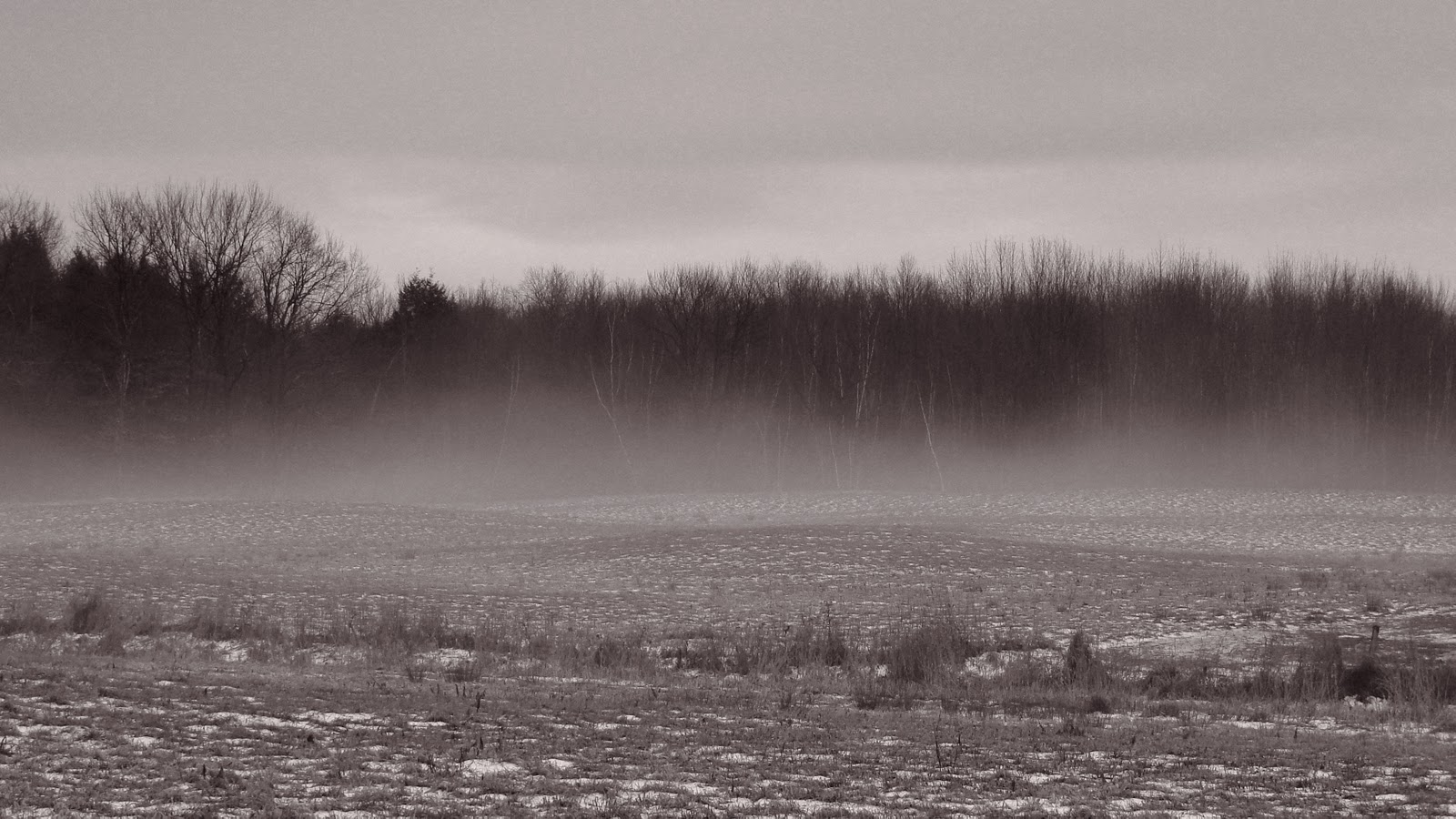
Around lunch time I went out to grab a picture of the fog that just wasn’t going to go away.  I had a vision in my head that a moody picture would sum of the feeling for the day and thought a fog filled picture of the woods would do just that.  There was not much sunlight making its way through the clouds so I knew the colors in the picture would be subdued.  Even as I took the picture I knew I would be processing it as a B&W or monochrome image.

The only adjustment in Lightroom was to crop the picture to a 16×9 aspect ratio and then I used Topaz Labs B&W Effects.  I generally start with one of the presets in B&W Effects and then tweak them to get the image I see in my head.  For this picture I used the Traditional – Warm Tone II Smooth preset.  I didn’t want to enhance the detail in the picture because I thought that would ruin the mood.  I didn’t make any further adjustments beyond the preset, it captured the look I wanted.

Overall, I’m happy with the result.  The finished image was what I was looking to achieve.  I’m still experimenting with the camera and different styles.  I will say I am becoming a bigger fan of monochrome images.  I have a feeling the B&W Effects plugin will be getting more use than I originally thought.