
Curls
Nikon D5100, Nikkor 35mm f/1.8, 1/160s, f/4, ISO 200
Curls
Nikon D5100, Nikkor 35mm f/1.8, 1/160s, f/4, ISO 200
Another image from my little excursion yesterday afternoon. I like the original (first image) because of the splash of color from the tree in the upper left corner which ties in to the slight yellow/brown center of the ‘snowballs’. The B & W conversion works for me because the fluffy snowball like main attractions seem to stand out better against the background.
The first image was processed using Lightroom with a few minor adjustments, i.e., some contrast, clarity and a little vibrance. The second image started from the first and converted to monochrome using Topaz Labs B&W Effects. I really like the Platinum Collection of presets for the overall tone they create.
Which do you prefer?

Snowball Preview
Nikon D5100, Sigma 17-70mm f/2.8-4, 1/200s, 35mm, f/8, ISO 200
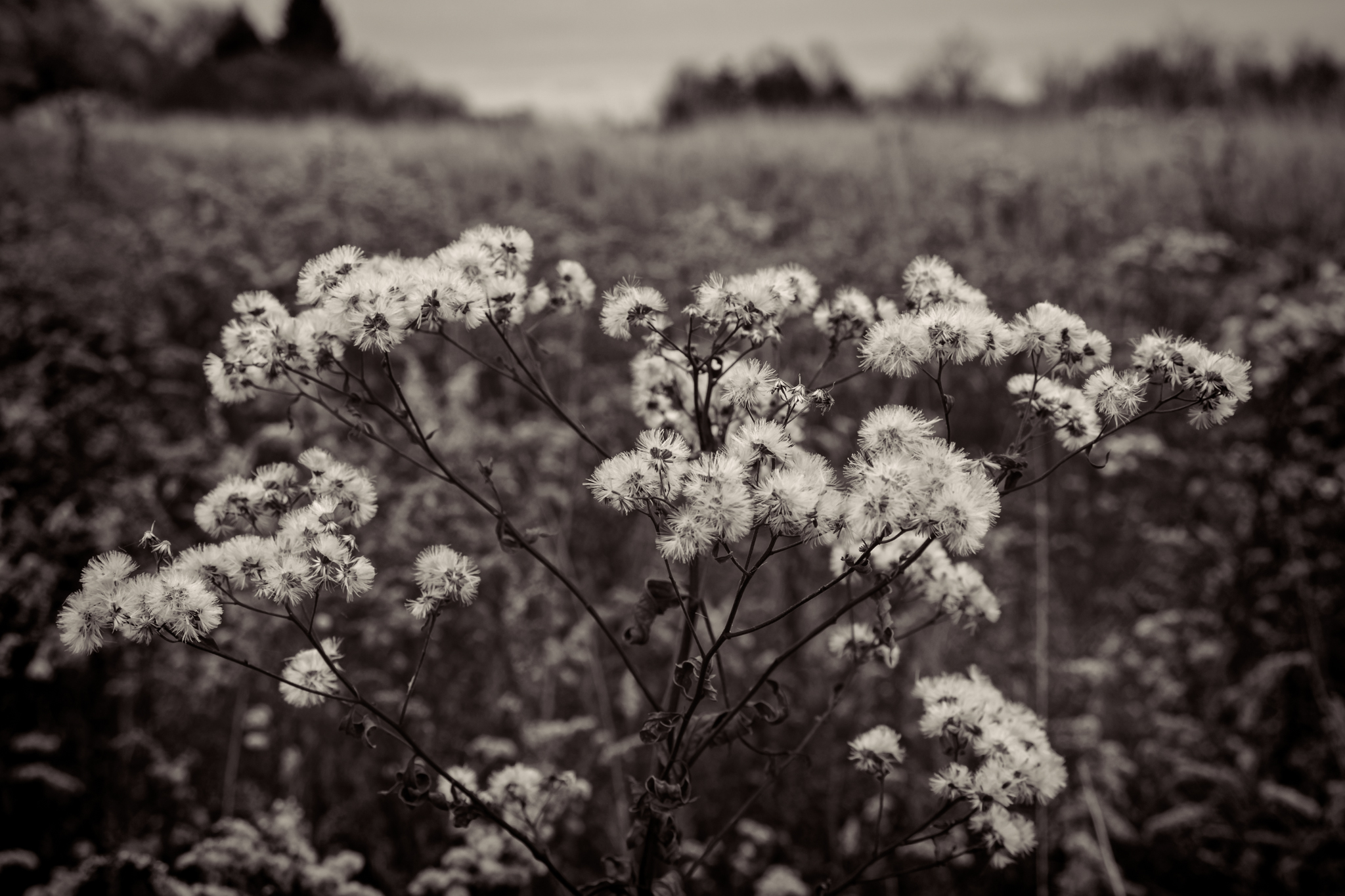
Snowball Preview – Monochrome
Nikon D5100, Sigma 17-70mm f/2.8-4, 1/200s, 35mm, f/8, ISO 200
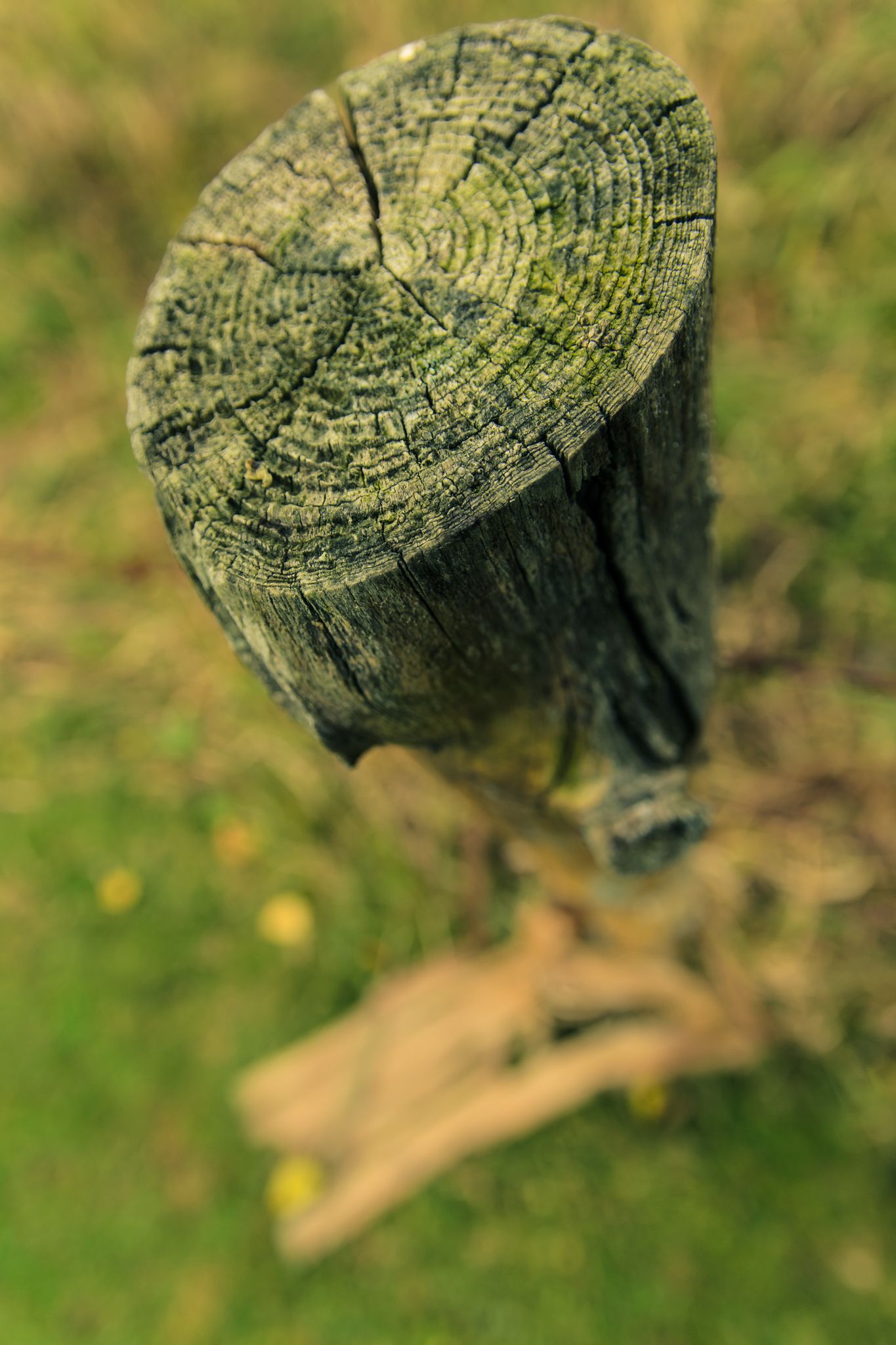
Top Down
Nikon D5100, Sigma 17-70mm f/2.8-4, 1/250s, 17mm, f/4, ISO 200
What a week! I took the day off last Monday and spent most of it with my daughter who was home sick with a stomach flu. Worked the next day but caught the bug myself and spent Wednesday home from work. Spent the next two days getting caught up and then ended up working the weekend due to issues. None of that left much time for exploring with the camera.
I finally went for a walk after lunch today hoping to get some images before the “Storm of all storms – Sandy” rolls into the northeast. It was good just to get out and go for a walk but I did manage to come home with a few images. These two are from one of the apple trees in the field across the road from my house.

The Forgotten
Nikon D5100, Sigma 17-70mm f/2.8-4, 1/160s, 70mm, f/5, ISO 200
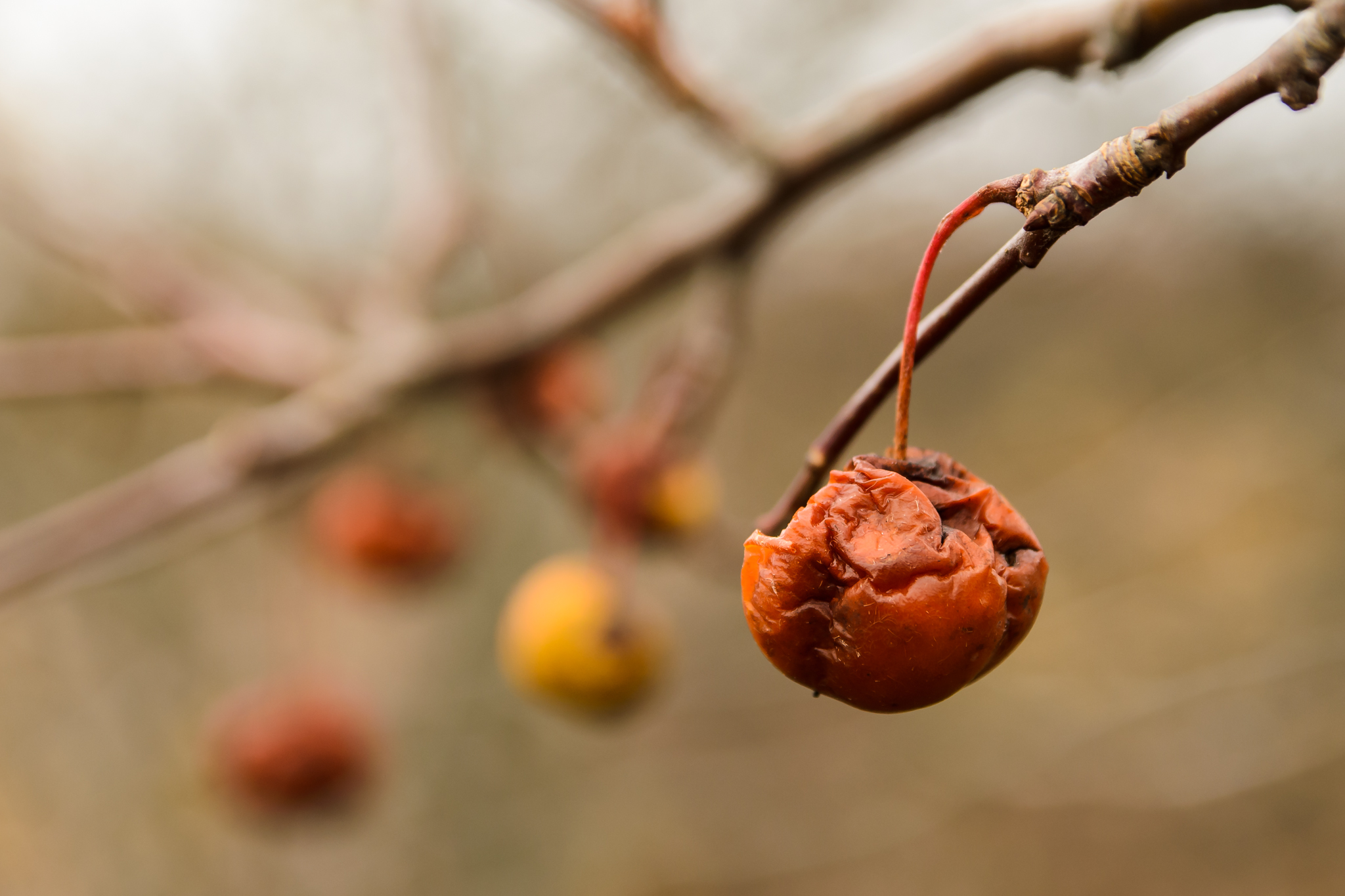
The Neglected
Nikon D5100, Sigma 17-70mm f/2.8-4, 1/200s, 70mm, f/5, ISO 200
I bought a book on Lightroom 3 yesterday at a discount store. I’ve been using version 4 for quite some time now but I thought the concepts are the same and most of the controls remain or have been improved. It wasn’t very expensive so I took a shot on it.
The plans for my day off fell through so I spent the day reading. Wow! I feel like I have just been playing with the software. So much functionality I didn’t know about. I learned better ways to accomplish my processing at every step, from organization/importing, developing and even exporting. I’m thinking now I need to get the Lightroom 4 book so I don’t miss any of the new features!
This is the first image processed with some of what I learned. You might not see a difference but trust me, it was a much better workflow…
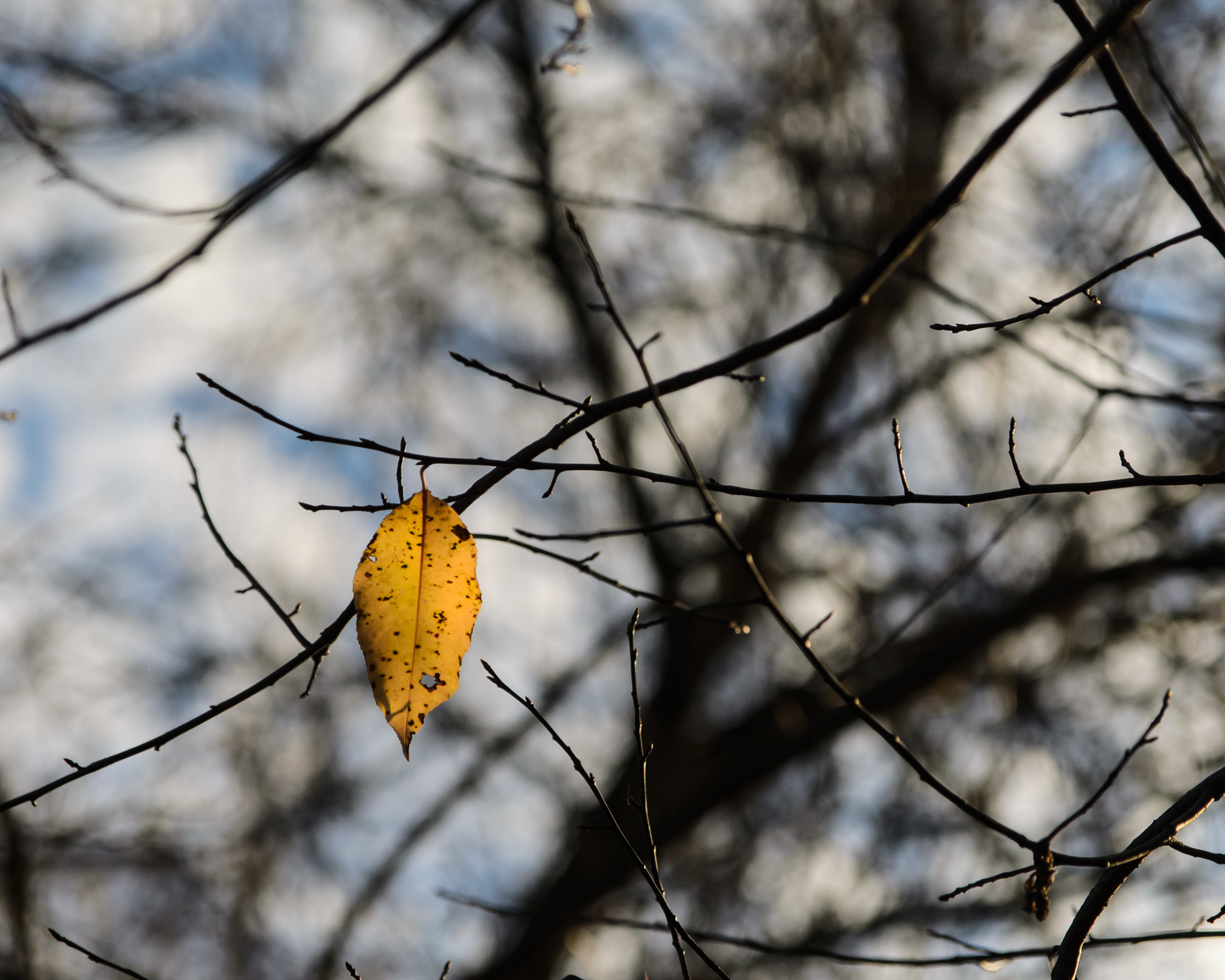
Autumn Swan Song
Nikon D5100, Sigma 17-70mm f/2.8-4, 1/3200s, 70mm, f/4, ISO 400

Catch the Light in the Details
Nikon D5100, Nikkor 35mm f/1.8, 1/20s, f/4, ISO 200
Maybe I’m a little home sick for my second home or maybe it is the rainy, dreary weather here in Upstate NY that has me looking at my pictures from Walt Disney World but either way you are stuck seeing more of them. I didn’t capture as many pictures during my latest trip as I have in the past and but I feel the ones I have posted so far have been of a better quality.
The two images below are from the Animal Kingdom, specifically in the Asia section of the park. The first is from the walkway between Expedition Everest and the Finding Nemo show looking back at the Tree of Life, the seating area for the Flame Tree Barbecue and the Everest shrine. The second is a detail image of the temple near the Everest shrine. I think I capture this view on every visit.

Icon and Details
Nikon D5100, Nikkor 35mm f/1.8, 1/320s, f/16, ISO 400
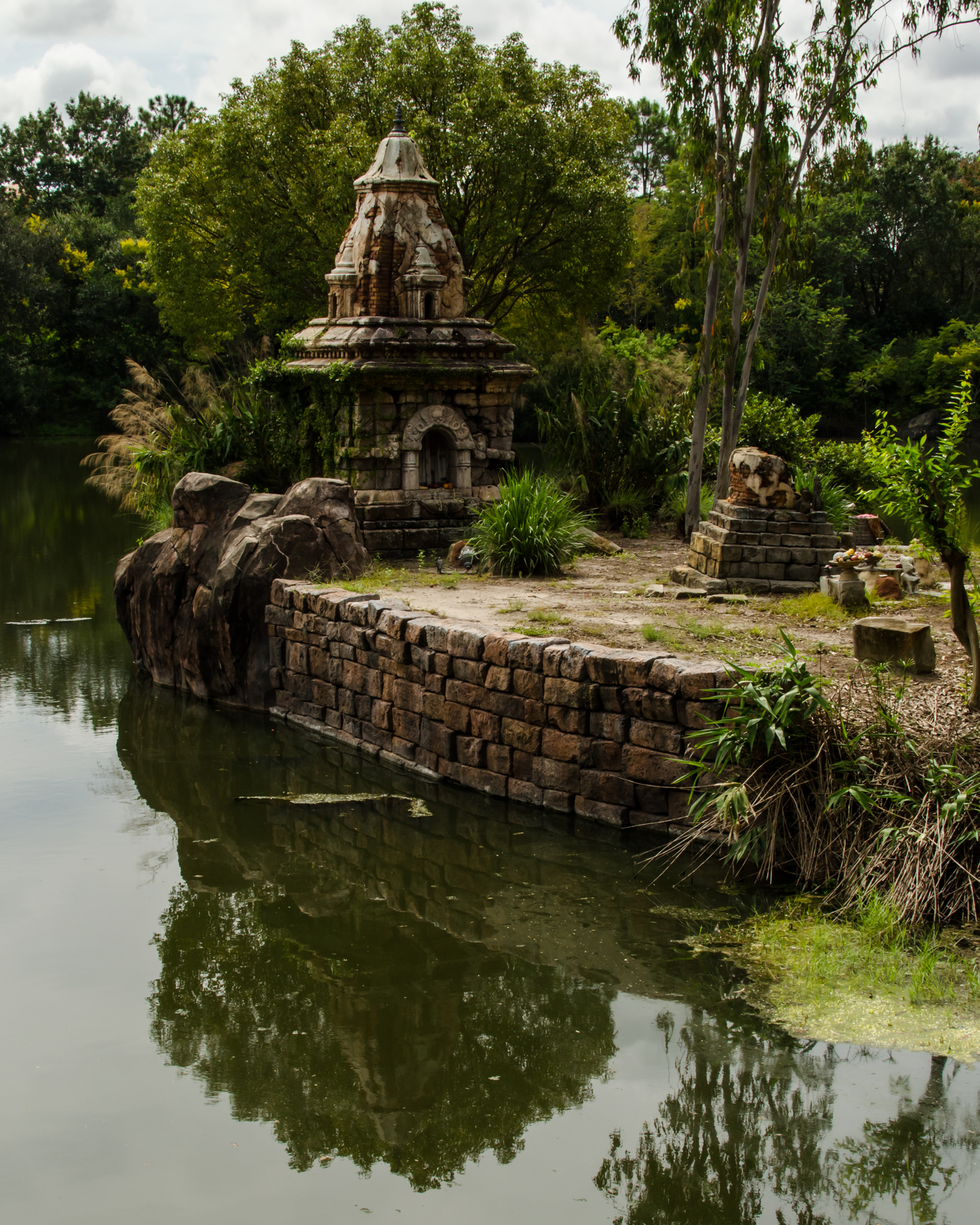
Everest Temple
Nikon D5100, Nikkor 35mm f/1.8, 1/200s, f/16, ISO 400
If you are a landscape photographer or generally only capture images of landscapes, how far do you go while processing your image? How much do you enhance the image? Do you attempt to create an image that is the best you can make? Or, do you try for as much realism as possible? Is your processing based on the scene or do you have a general ‘look’ to your images?
I was driving home from work the other day and the sun was breaking through a dark cloud cover. I was amazed by the clarity of the sunlight shining through the holes in the clouds. It was a very intense light that was begging me to pick up my camera. I knew in my head what I wanted in the foreground to help create a more interesting image. There was a tree in the field close to home that had the brightest yellow leaves. They would just ‘pop’ out of the picture against the clouds. I couldn’t drive fast enough.
My problem became a race against the wind. The clouds were moving too fast and I was losing my image. When I did arrive at the field I quickly pulled over, grabbed the camera and tried to make a picture as nice as the one I envisioned in my head. It didn’t quite work out as I had hoped. There was a second tree in the field next to my yellowed leaf beauty that was just empty branches. The clouds had already started to fill in the holes and the beams of sunlight were not as intense as I saw when I started this race. I clicked away for a few minutes and then the scene was gone.
The image below is the straight out of camera image…
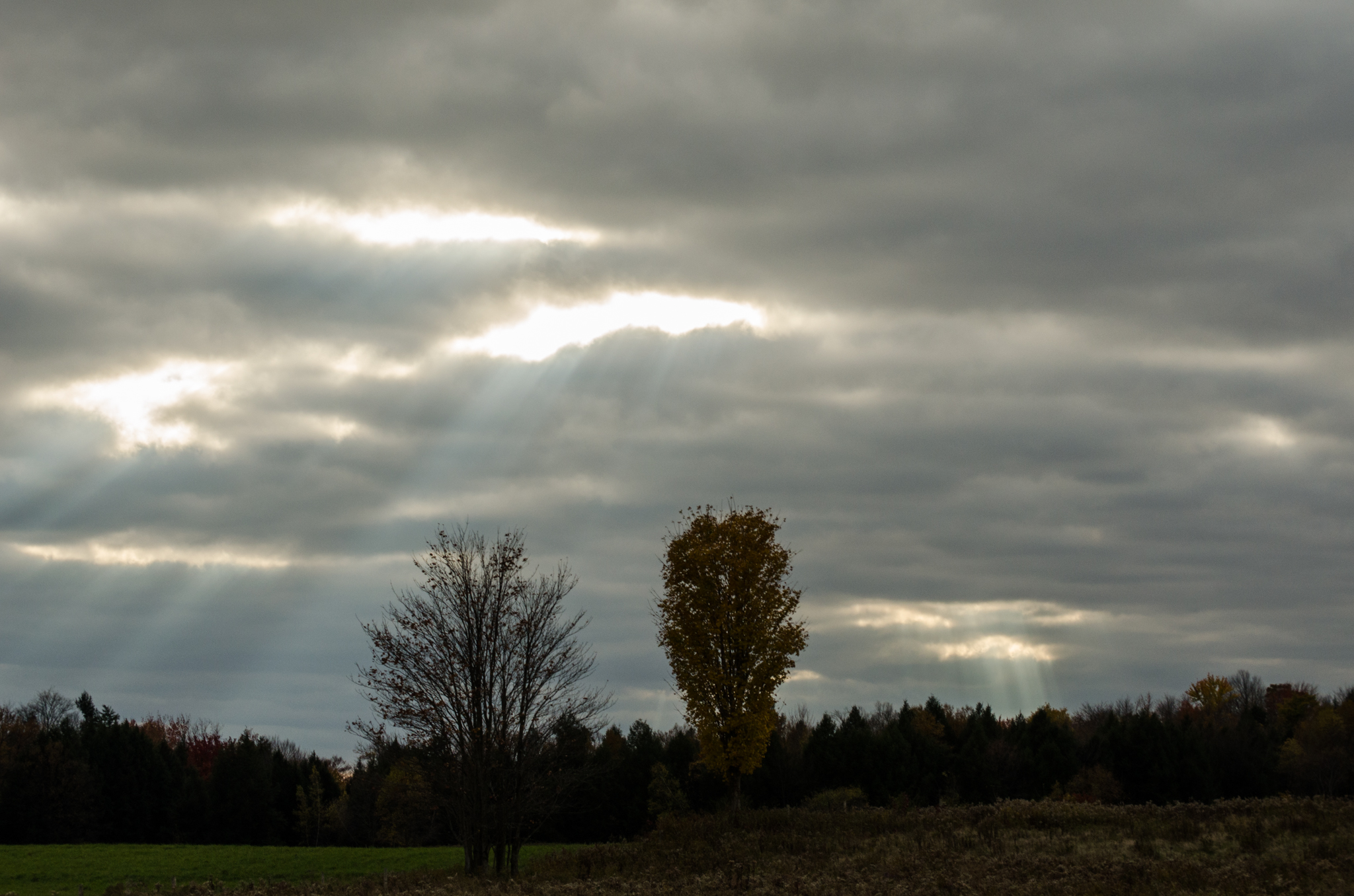
Shine Down on Me – SOOC
Nikon D5100, Nikkor 55-200mm f/4-5.6, 1/160s, 62mm, f/11, ISO 400
I ended up using Lightroom to do all my basic adjustments. Warm up the image slightly to help bring out the colors. Reduce the noise in the image. Tweak the highlights and shadows. Sharpen the image as I was just slightly out of focus. When I finally had everything set I threw the image in Topaz Labs Adjust and went to the HDR presets. I selected the ‘Dynamic Brightness’ preset and went to work tweaking the settings. The image below is the final result.

Shine Down on Me
Nikon D5100, Nikkor 55-200mm f/4-5.6, 1/160s, 62mm, f/11, ISO 400
I would definitely be interested in any thoughts on this image or processing in general. Thanks…
 MLCreations Photography