…as the World Spins Out of Control
Nikon D5100, Sigma 17-70mm f/2.8-4, 1.6s, 17mm, f/6.3, ISO 200
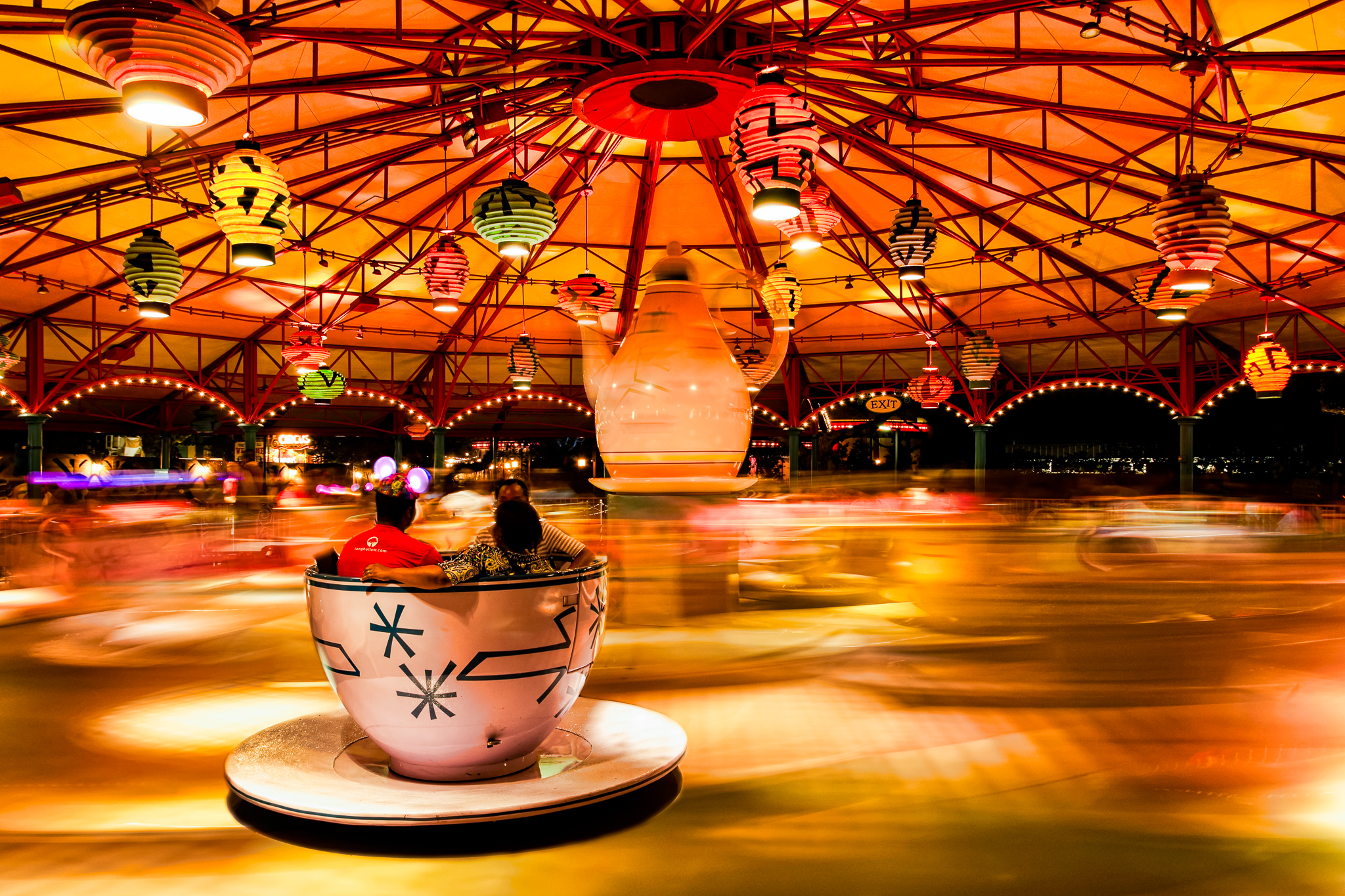
The image above is the result of a happy coincidence as well as an on the spot decision. As most of you who are regular readers know I spent the past week at Walt Disney World for the Photo Magic 2013 event hosted by the Disney Photography Blog. I was between scheduled events one night in the Magic Kingdom and wanted to capture an image of the Mad Tea Party attraction with the ride in motion. I love the effect of moving water and thought the blurred look as the ride was in motion would create a similar effect. The colors at night are also very vibrant on this attraction and I was hoping I could capture that as well in the motion blur.
I picked my spot just outside the fence and was getting the camera ready when a thought struck me. It all came at once and I am sure it was a result of the scene in front of me. There was a tea cup in the foreground that had the riders facing away from me. I pictured my image of the blurred attraction with this lone tea cup frozen in space. I quickly set my exposure and captured the ride before it started to move. You can see the result in image 1 below.
I left the settings the same as the shutter speed was at 1.6 seconds which knowing the speed of this attraction I was confident it would produce the blur I wanted. I captured several images of the ride as it was in motion to ensure I would have one with the lighting the way I wanted it. The best of these blurred images is image 2 below.

…as the World Spins Out of Control – image 1
Nikon D5100, Sigma 17-70mm f/2.8-4, 1.6s, 17mm, f/6.3, ISO 200
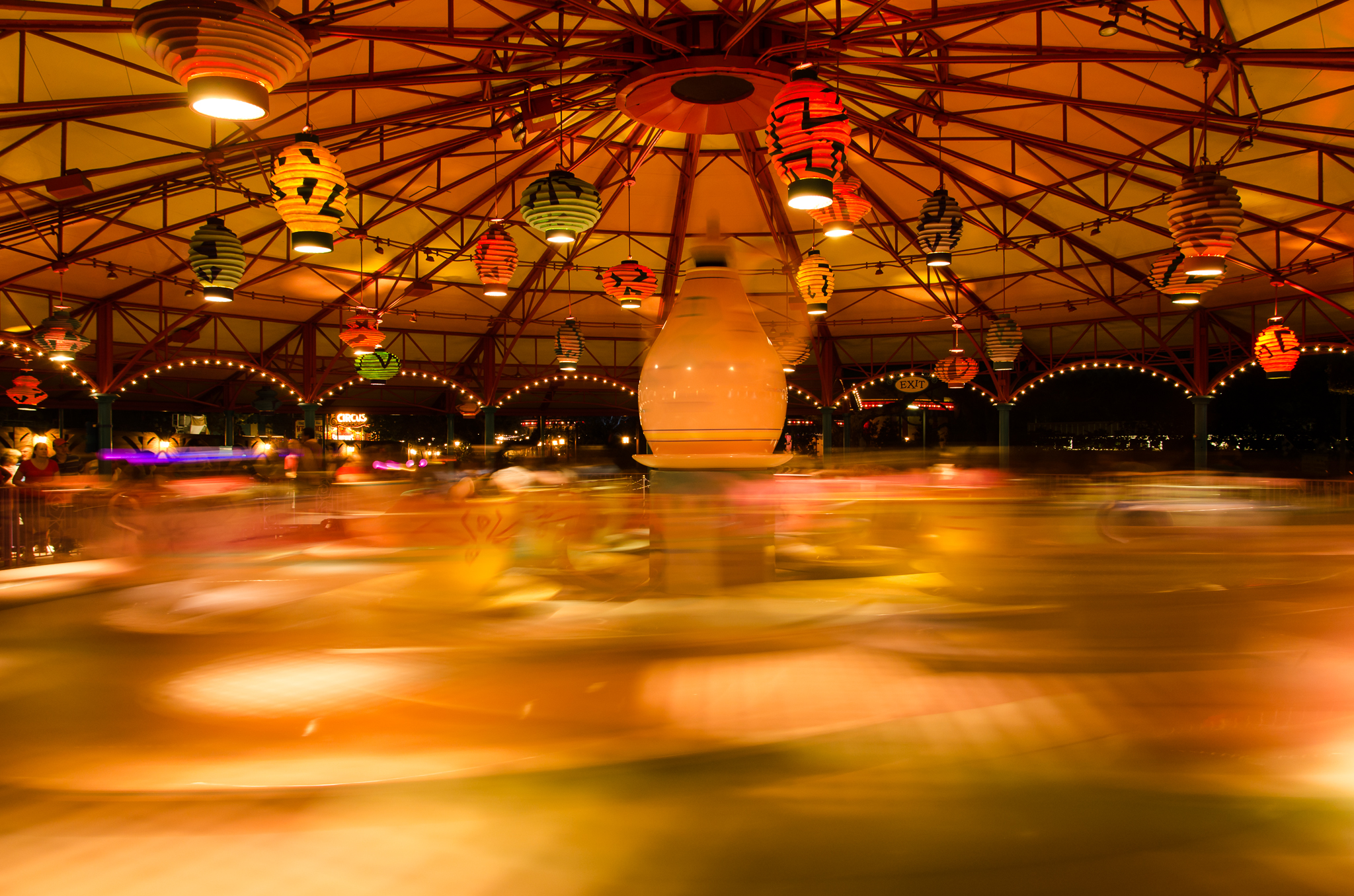
…as the World Spins Out of Control – image 2
Nikon D5100, Sigma 17-70mm f/2.8-4, 1.6s, 17mm, f/6.3, ISO 200
Once I transfered the days images to my computer this was the first image I wanted to work on. Even though I got back to the room late I started assembling this image before getting to sleep. I use Lightroom for most of my image processing and all of my transfer work. I have a few basic development settings applied on import so both images were consistent. For what I wanted to accomplish I needed to bring both into Photoshop Elements. I haven’t found a need to use anything more powerful then Elements for my processing beyond Lightroom. It has been more than capable in letting me create what I envision.
Each photo was brought on to a separate layer in Elements with the blurred image as the background. I applied a layer mask to the image of the stationary tea cups and added a layer mask changed to black which lets all of the layer below show through. It was then just a matter of using a basic brush and painting over the mask with the color white to reveal the portion of the stationary tea cups I wanted. I used an opacity of 100% for all of the interior right up to the edge of the cup and then switched to 25% to fade in the edges to the blurred image background.
All in all I am very happy with the image I was able to create. Surprisingly it is very close to what I envisioned as I stood in front of the attraction that night. I think this is some of what is fun and interesting to me about photography. I love capturing what I see but I also love pushing myself to create something more than what is actually in front of me. Maybe a little of having to create an image is not having all the skills to capture what I want with the camera but images like this could not be captured with a single click of the shutter. In the end, the story in the image is what matters…
 MLCreations Photography